Skip to main content
Stepify
/
Tutorial
Stepify
/
Tutorials
/
Create a new canned response called Greeting with message Hello there
Chatwoot
Create a new canned response called Greeting with message Hello there
7
steps
2m 51s
18/02/2026 19:33
52 views
PDF
ZIP
Share
Step-by-Step Guide
1
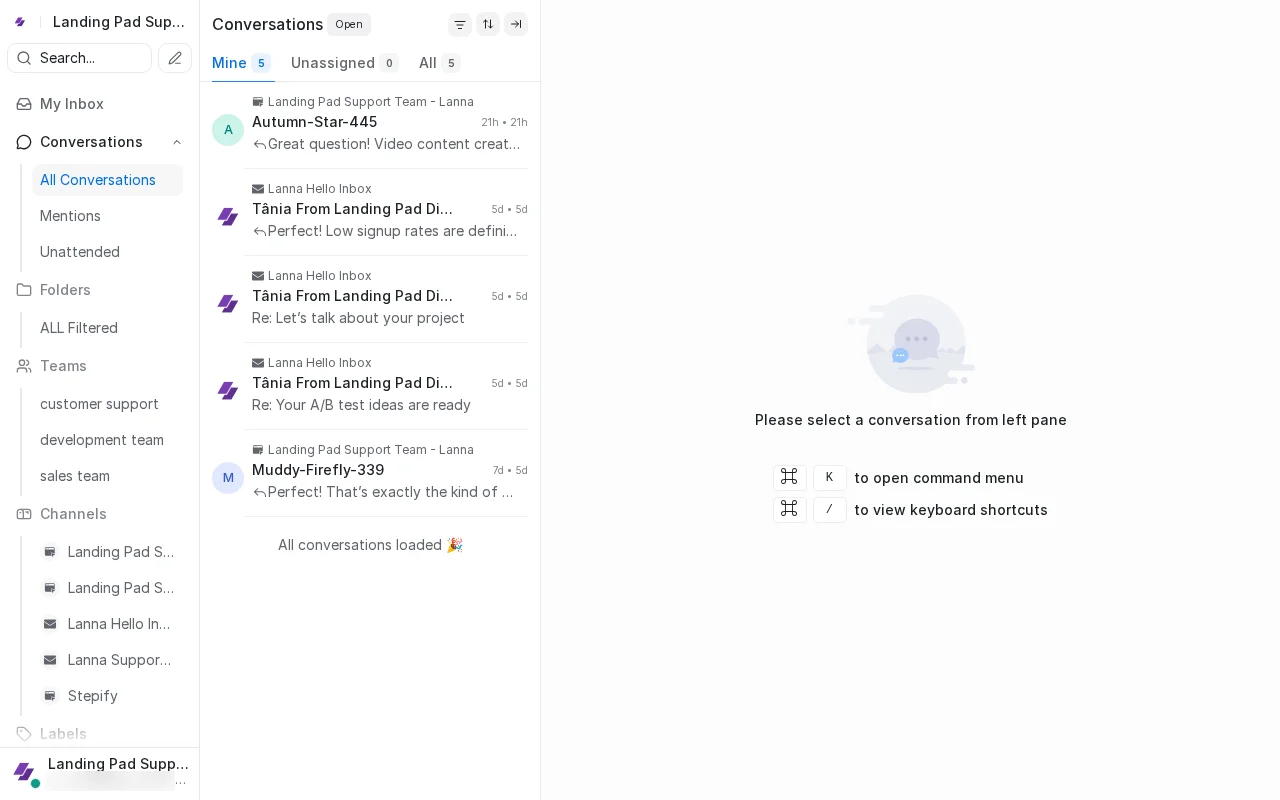
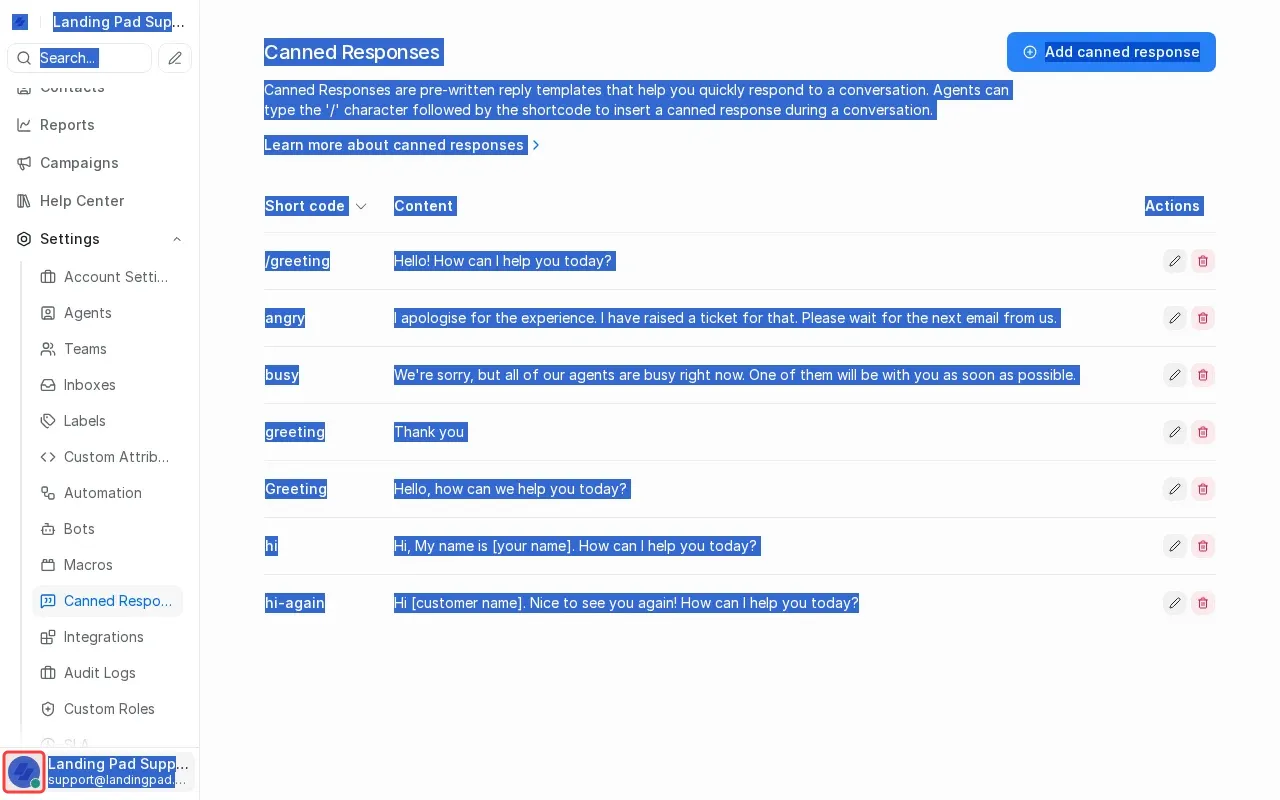
Scroll down to find Settings gear icon at bottom of sidebar.
2
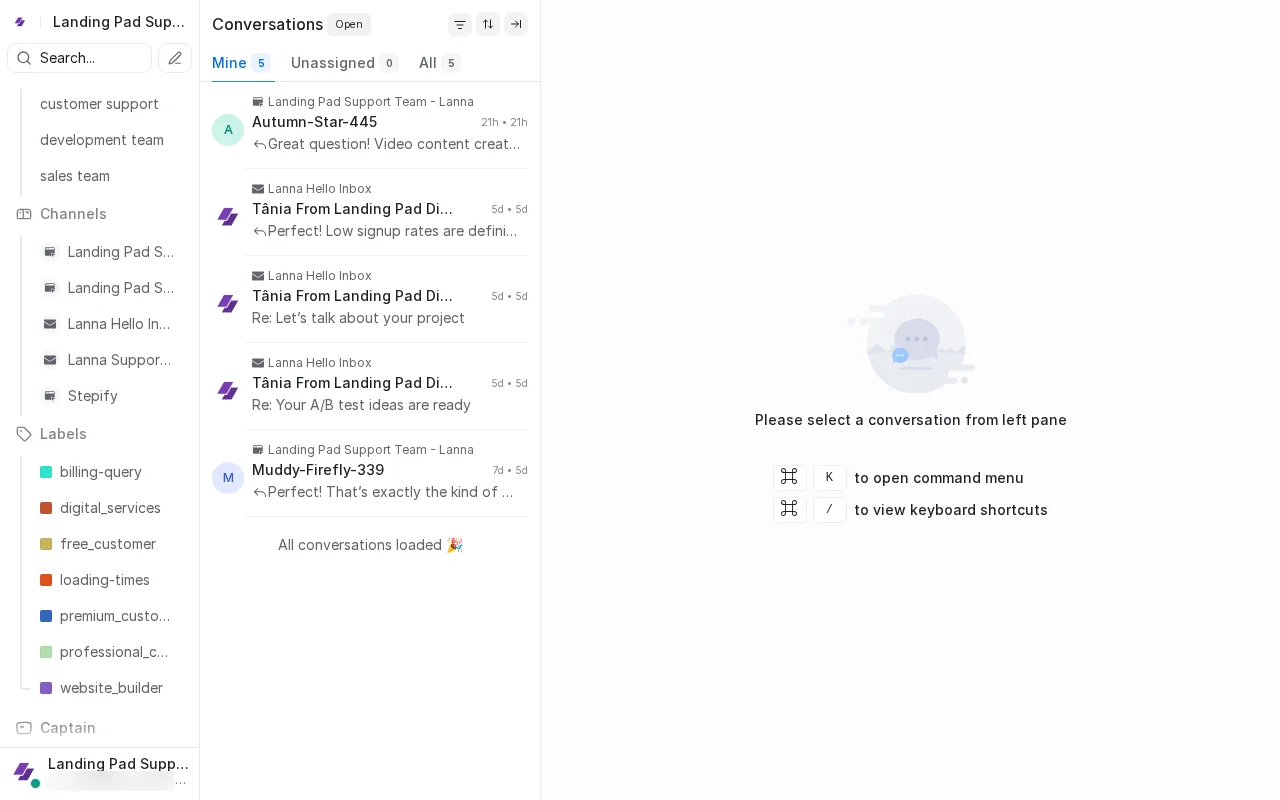
Scroll down to reveal Settings gear icon.
3
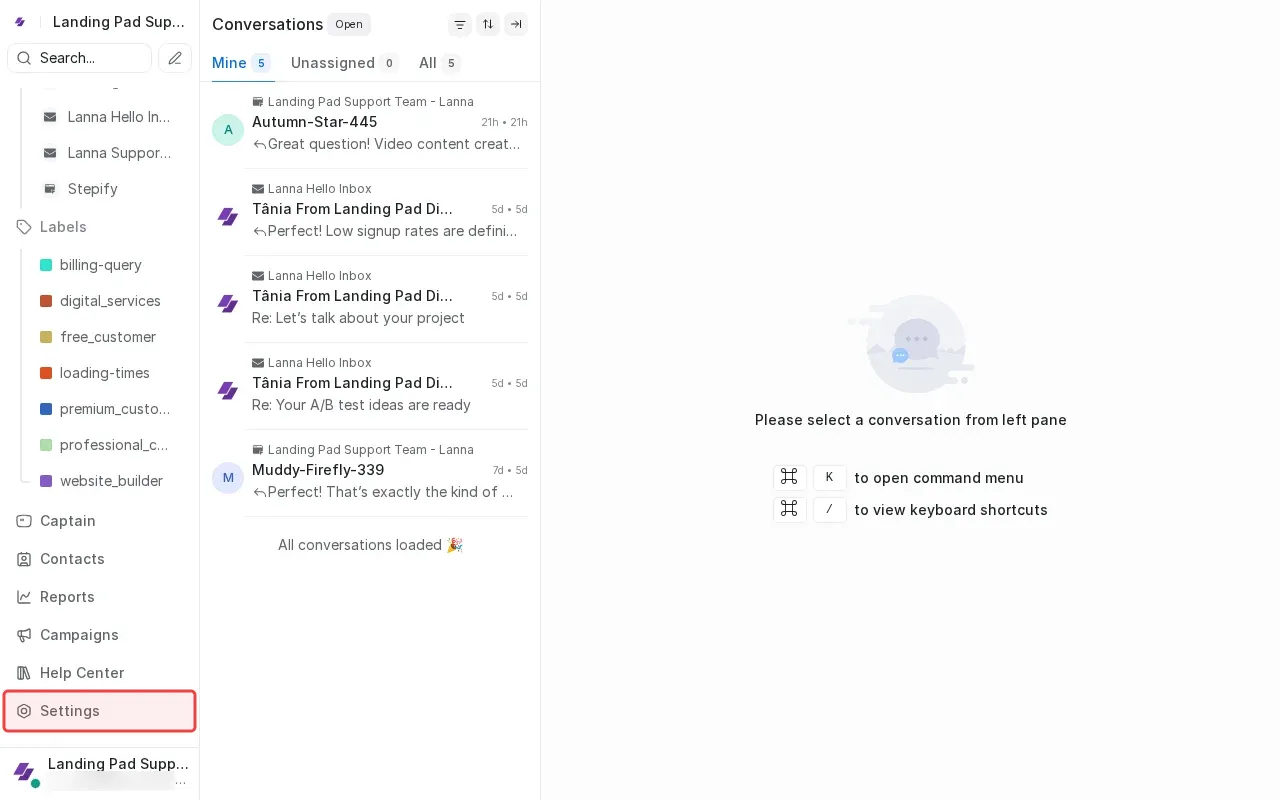
Click Settings to open the settings panel.
4
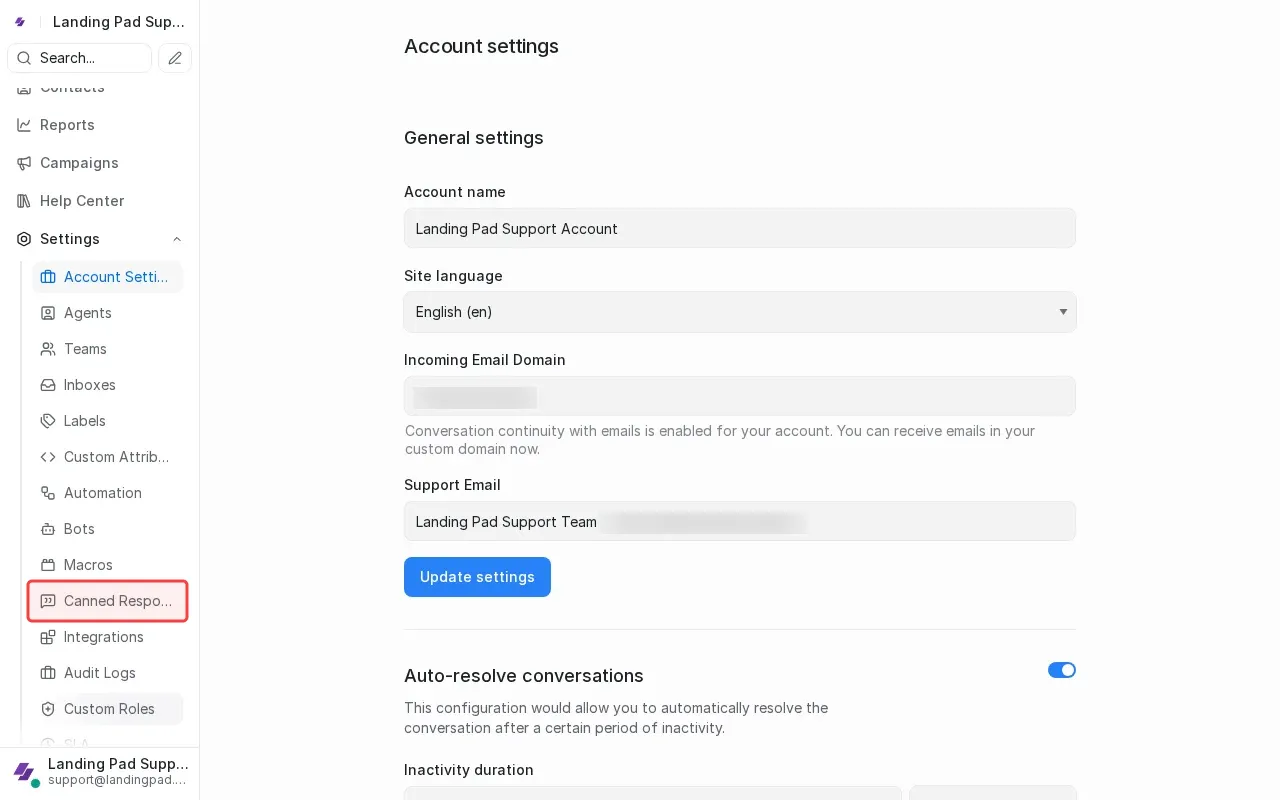
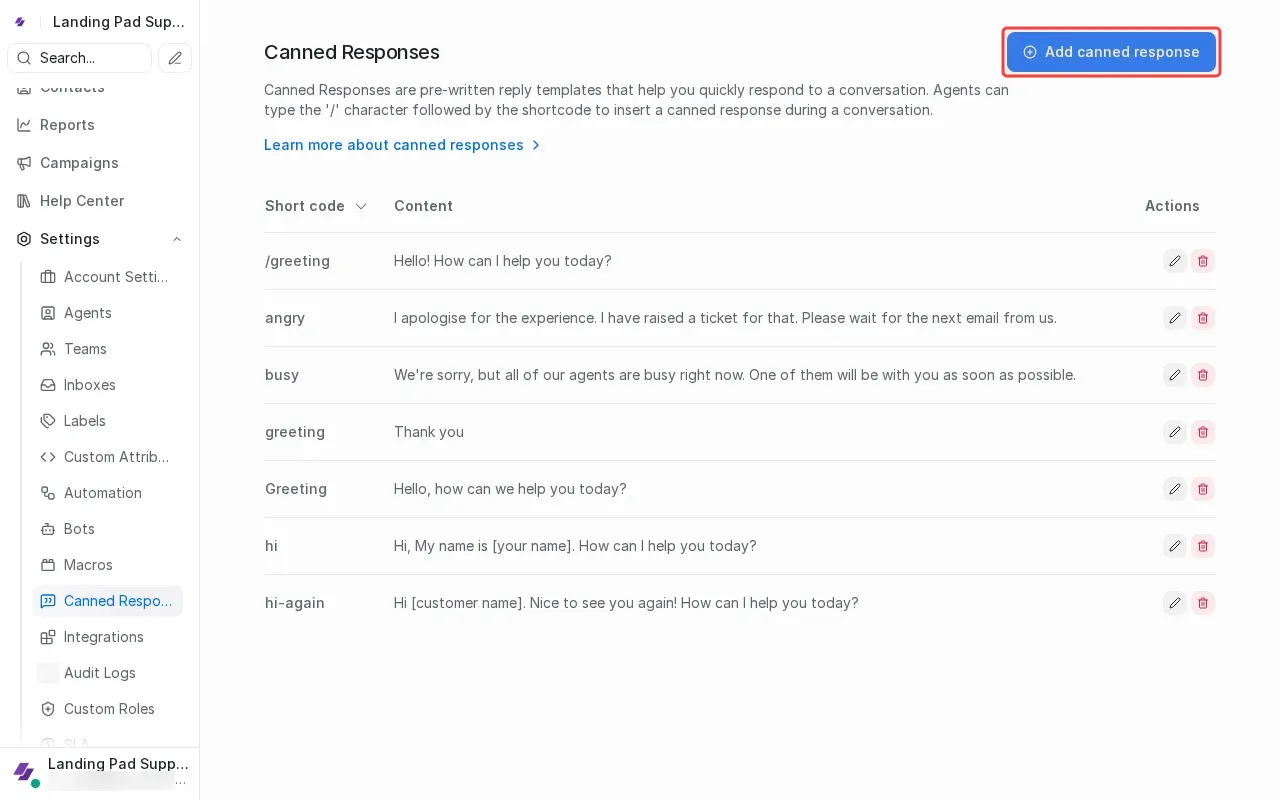
Click 'Canned Responses' in the settings menu.
5
Click 'Add canned response' button to open form.
6
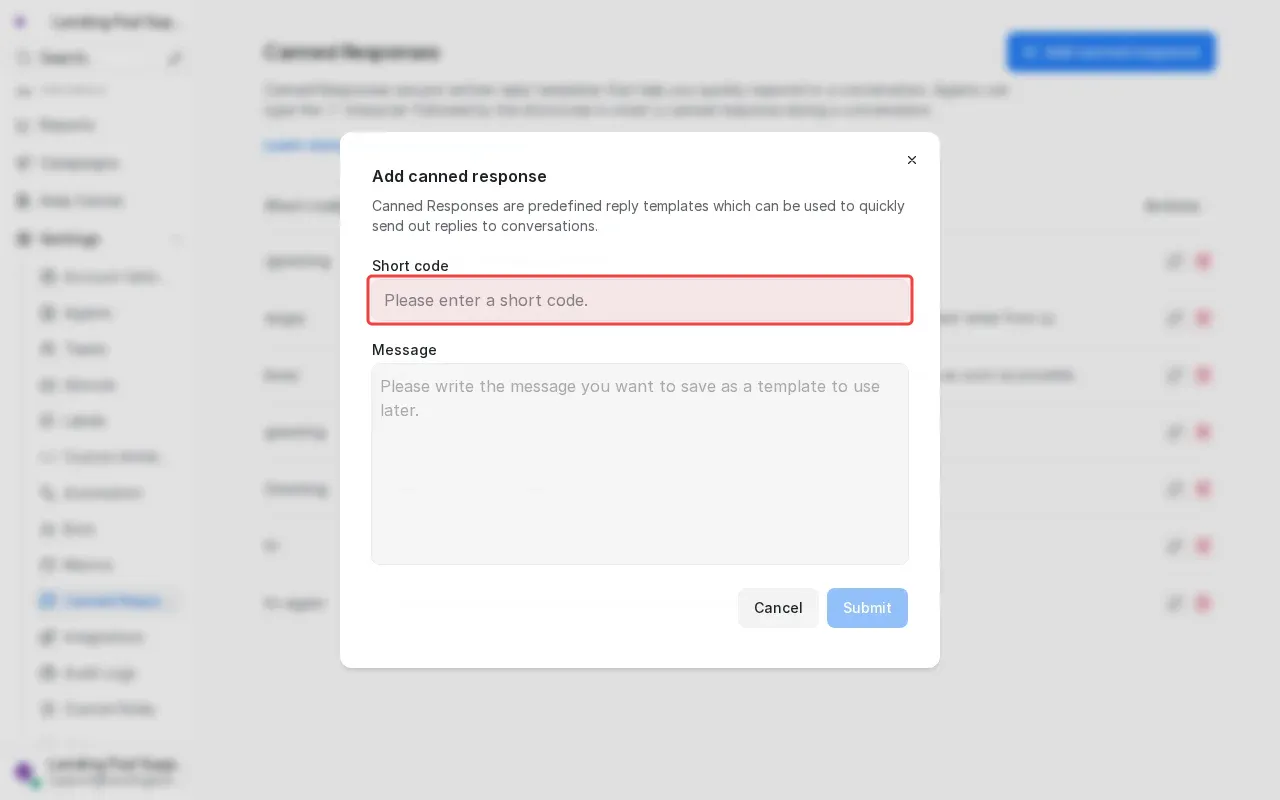
Type 'Greeting' in the Short code field.
7
Type 'Greeting' in the short code field.
×
‹
›