1
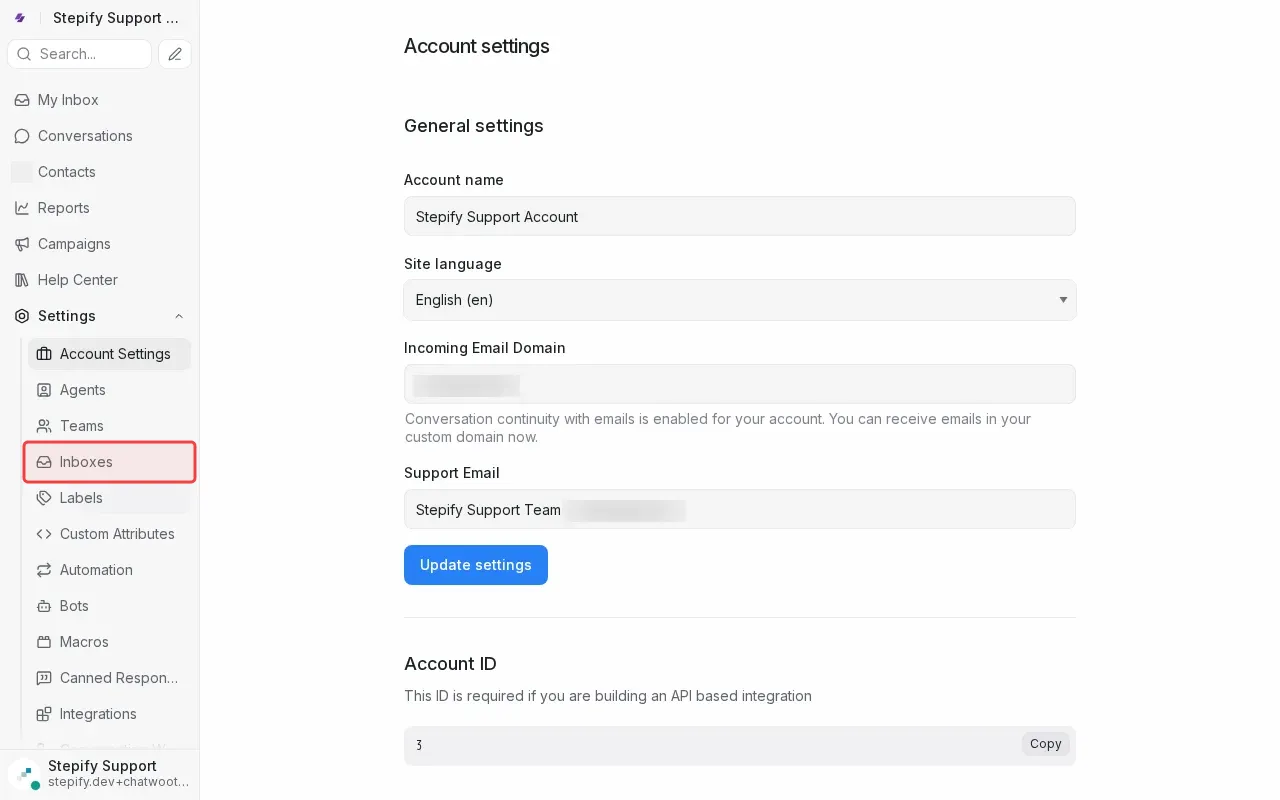
Click 'Settings' in the sidebar to open settings.
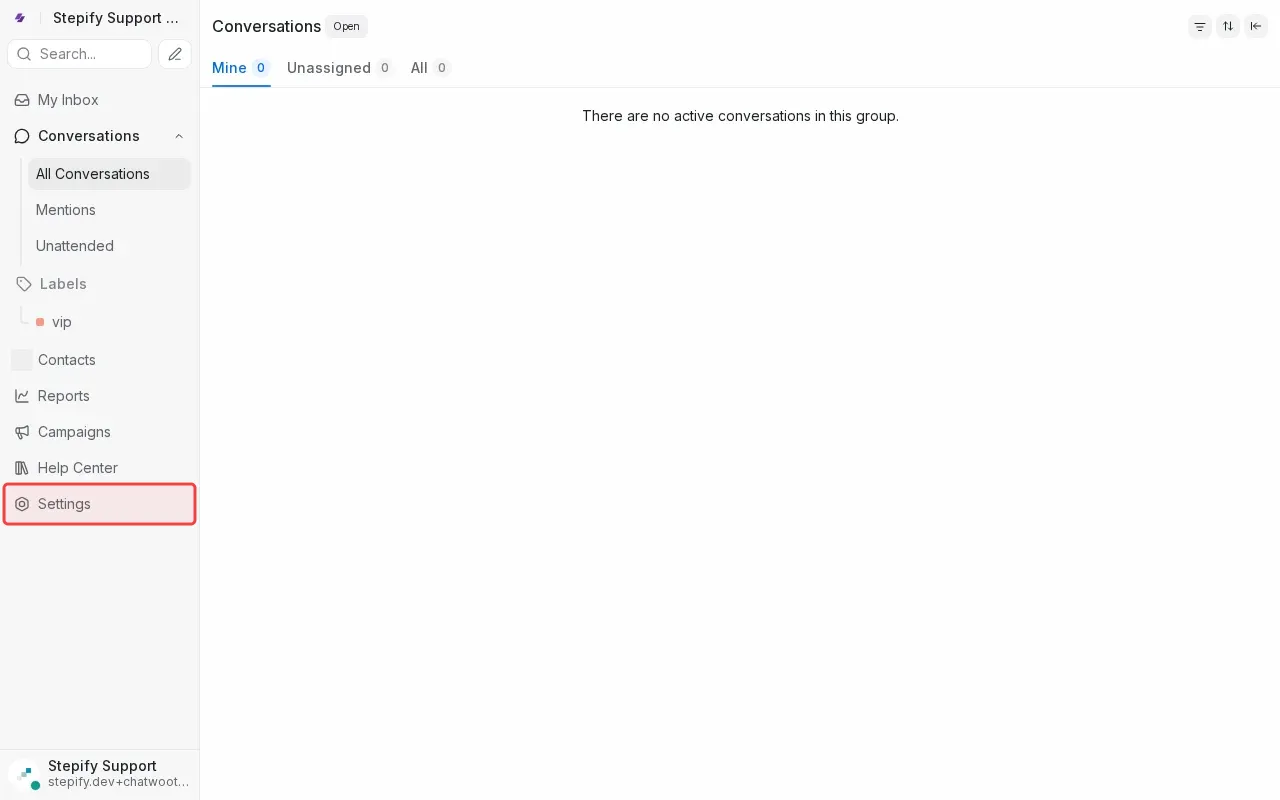
Step 1: Click 'Settings' in the sidebar to open settings.
Step 2: Click 'Inboxes' in settings menu to manage inboxes.
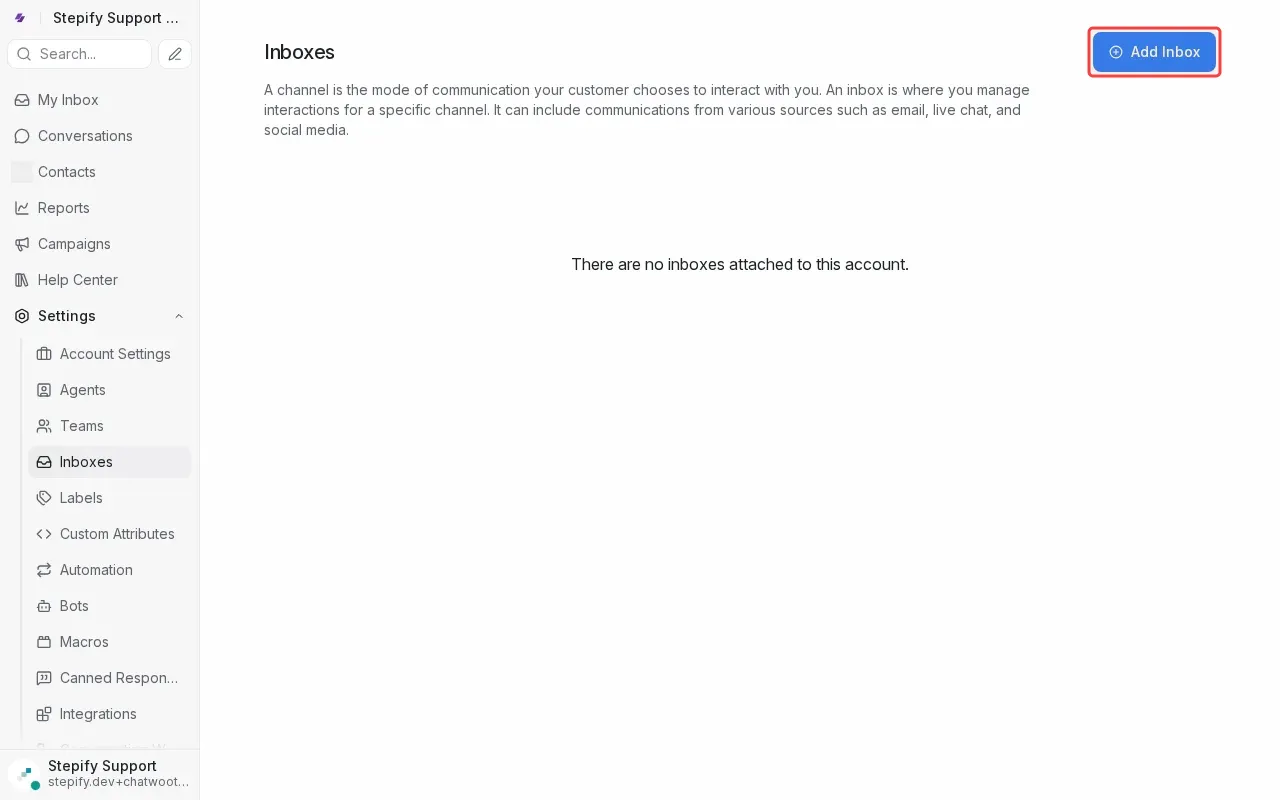
Step 3: Click 'Add Inbox' button to start creating new inbox.
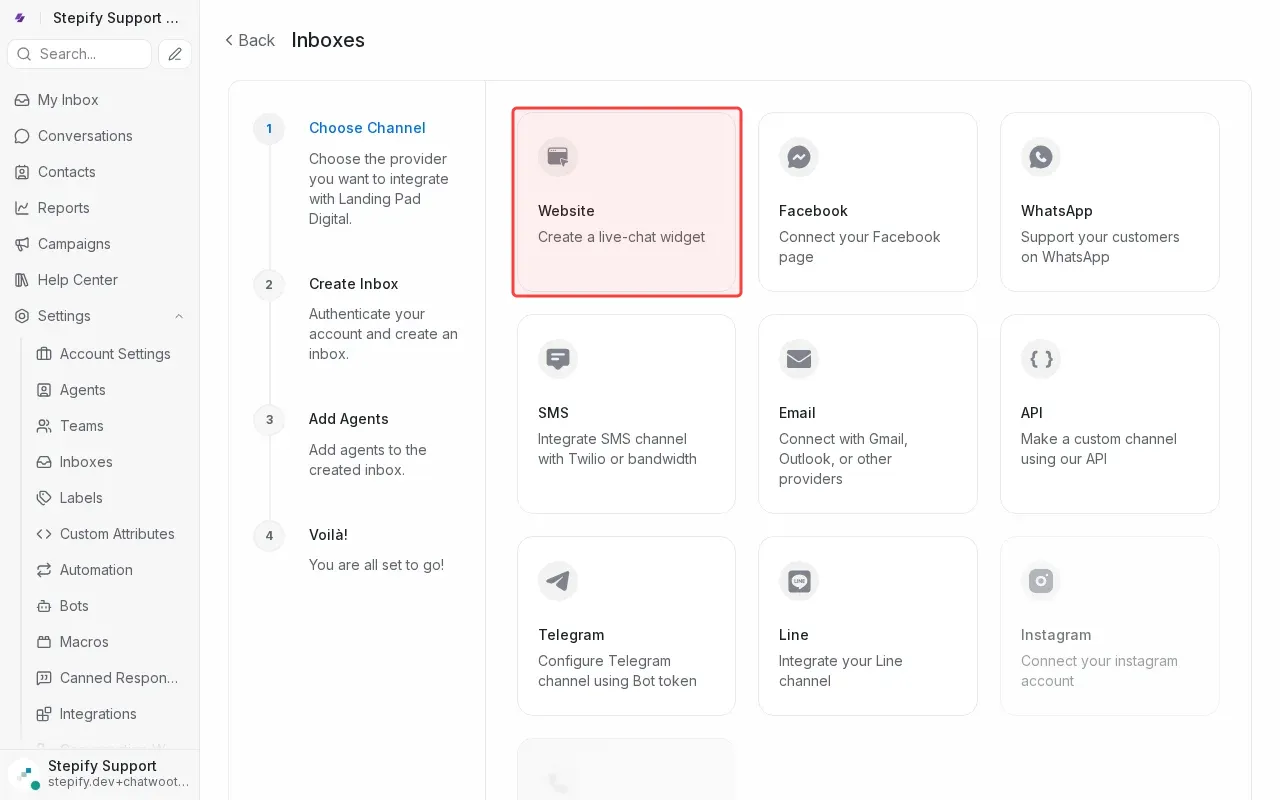
Step 4: Click 'Website' to create a live-chat widget inbox.
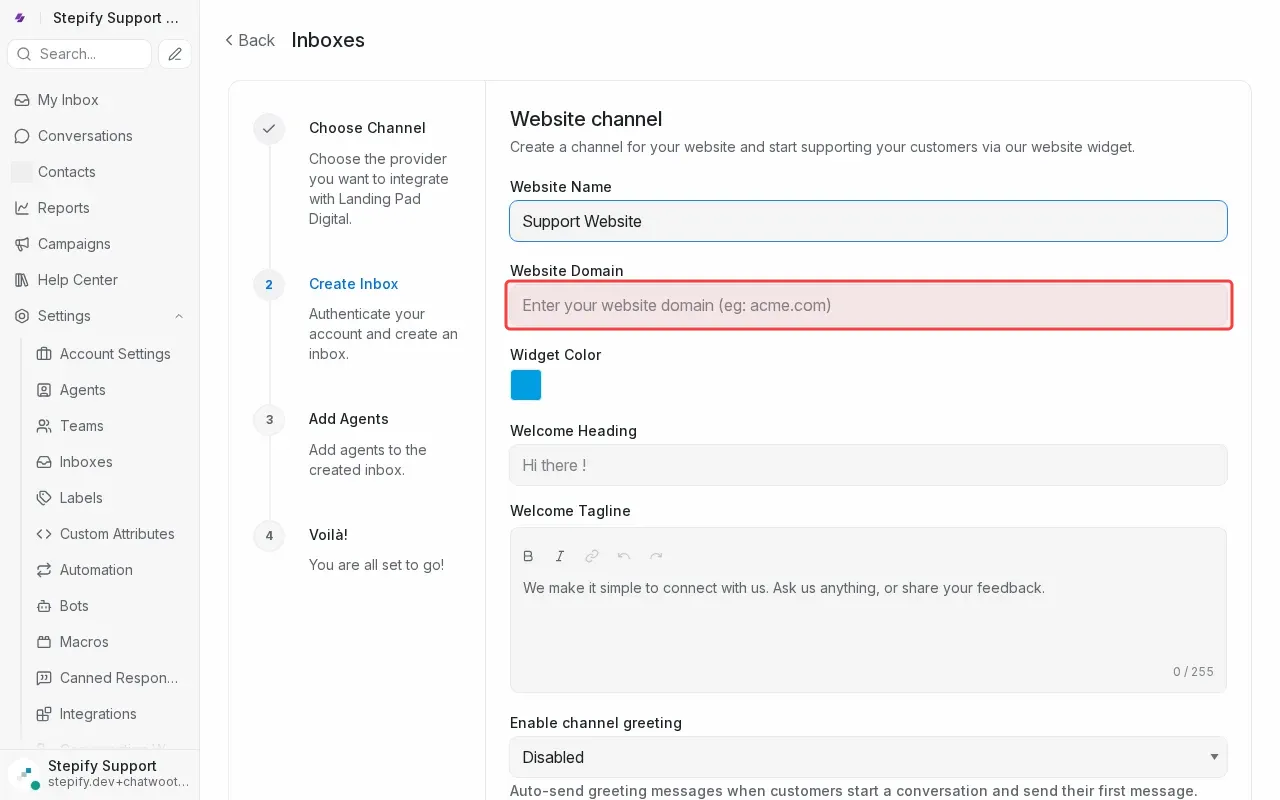
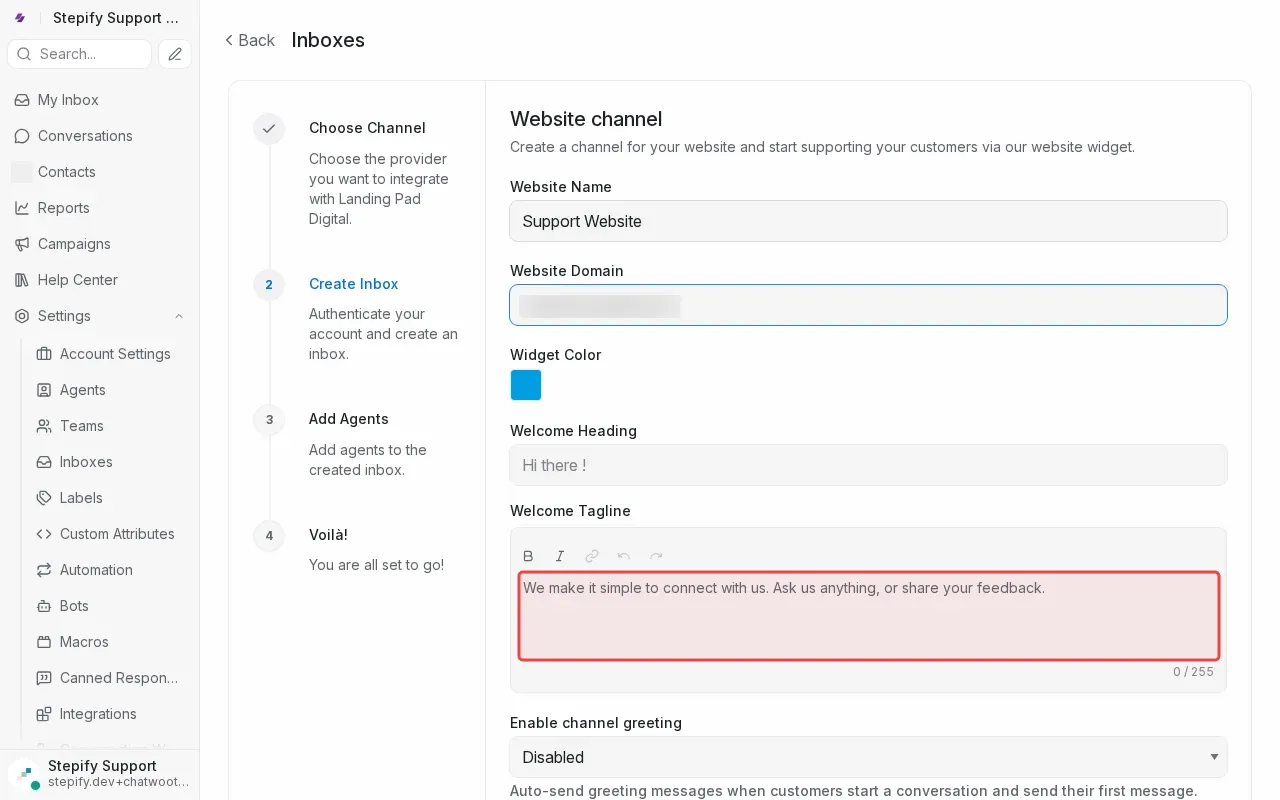
Step 5: Type website domain in the domain field.
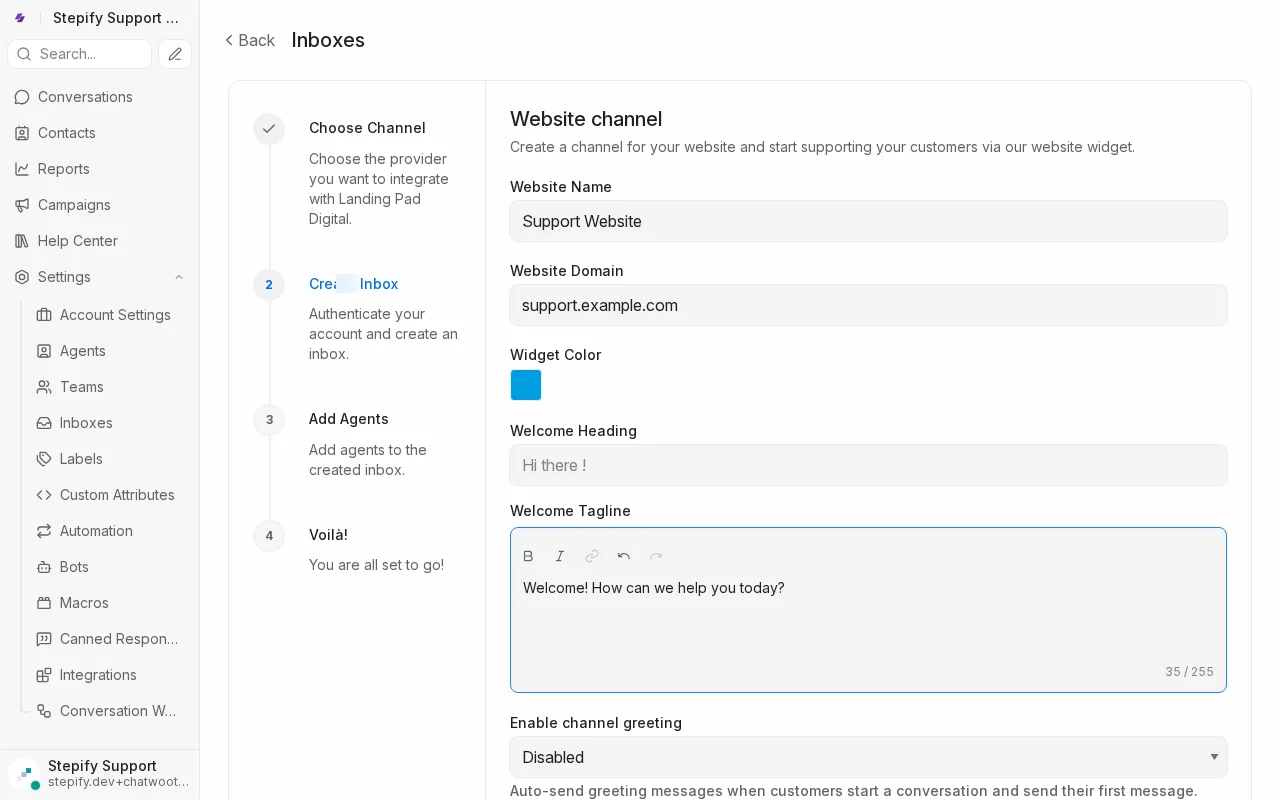
Step 6: Type welcome message in the tagline field.
Step 7: Scroll down to find the create inbox button.
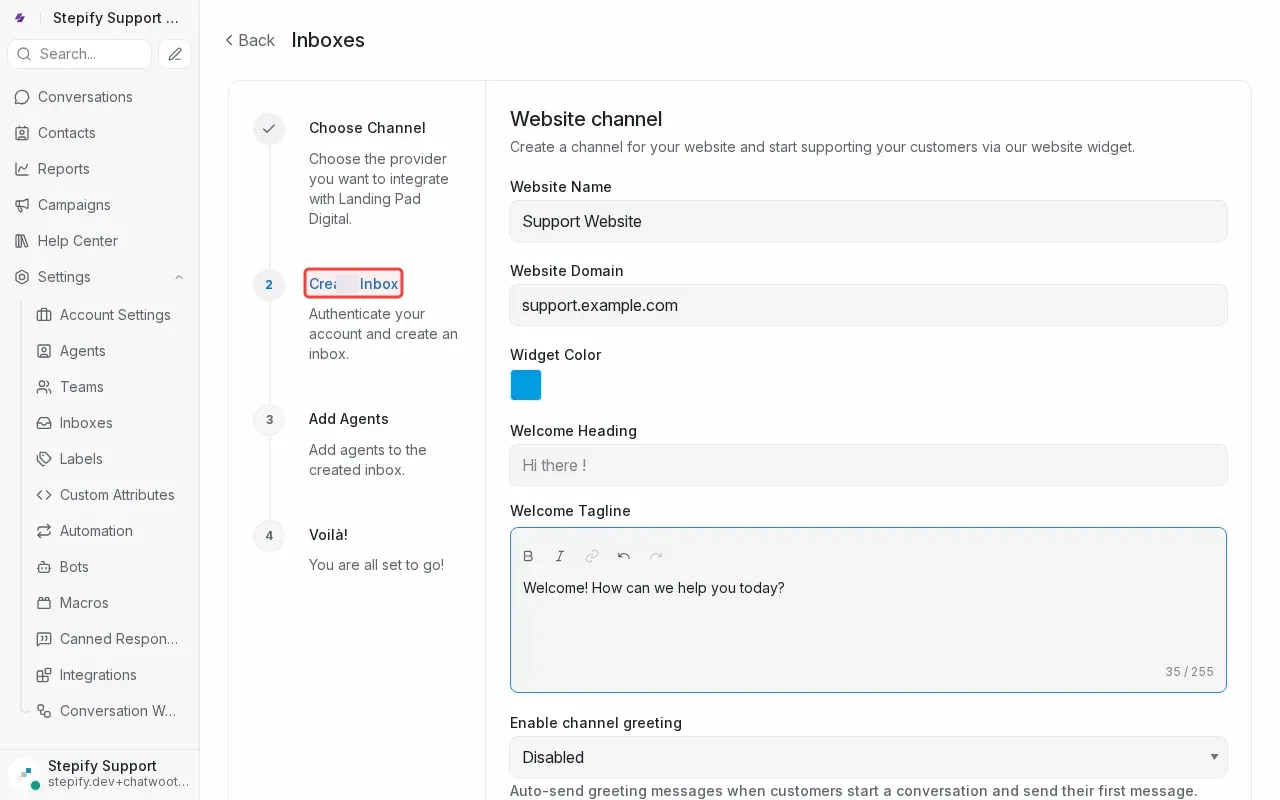
Step 8: Click 'Create Inbox' to complete the setup.
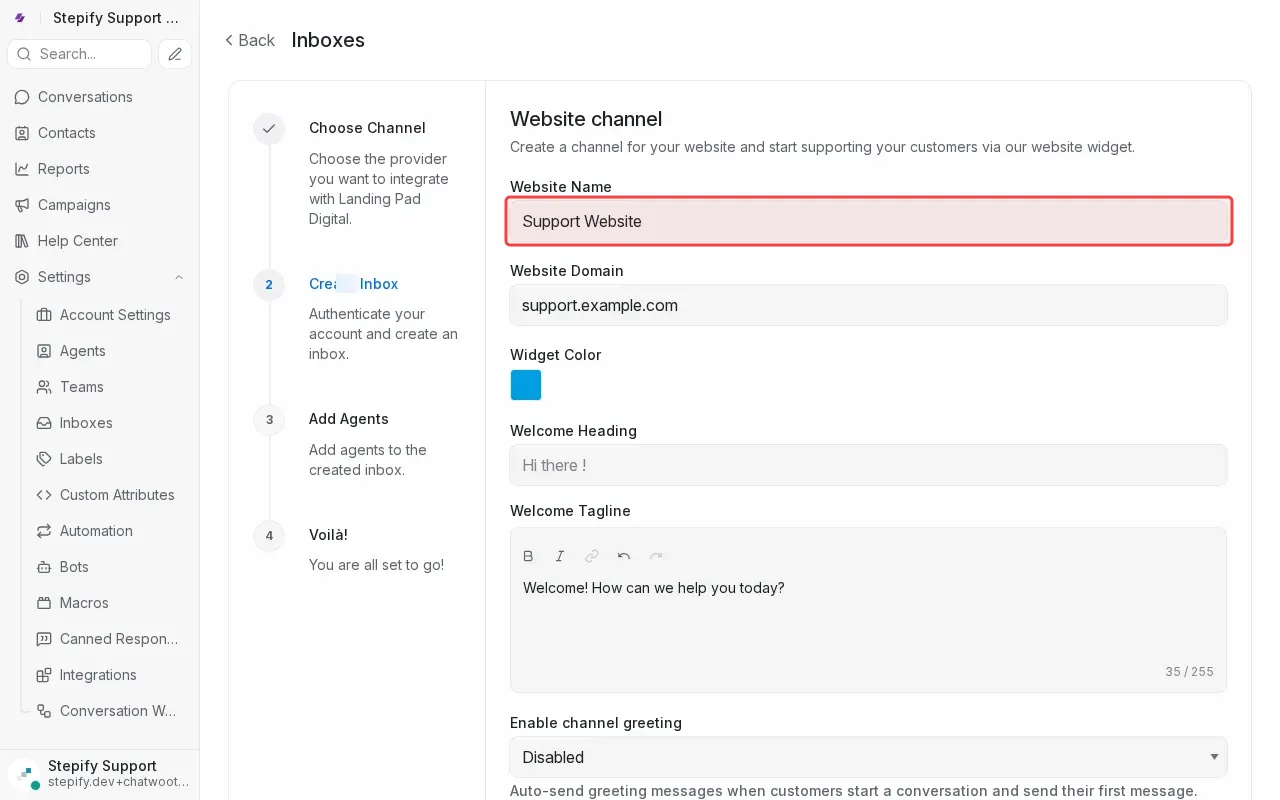
Step 9: Type website name in the Website Name field.