1
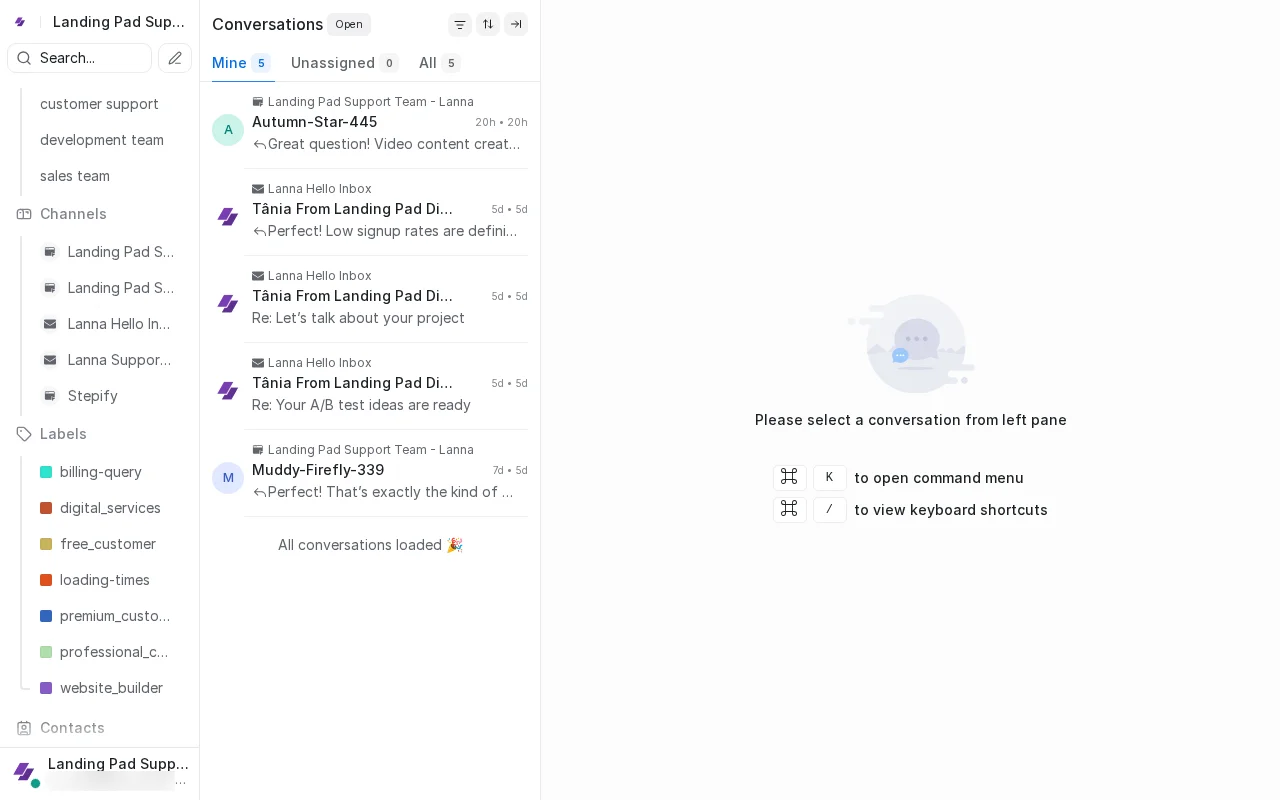
Scroll down to find Settings gear icon at bottom of sidebar.
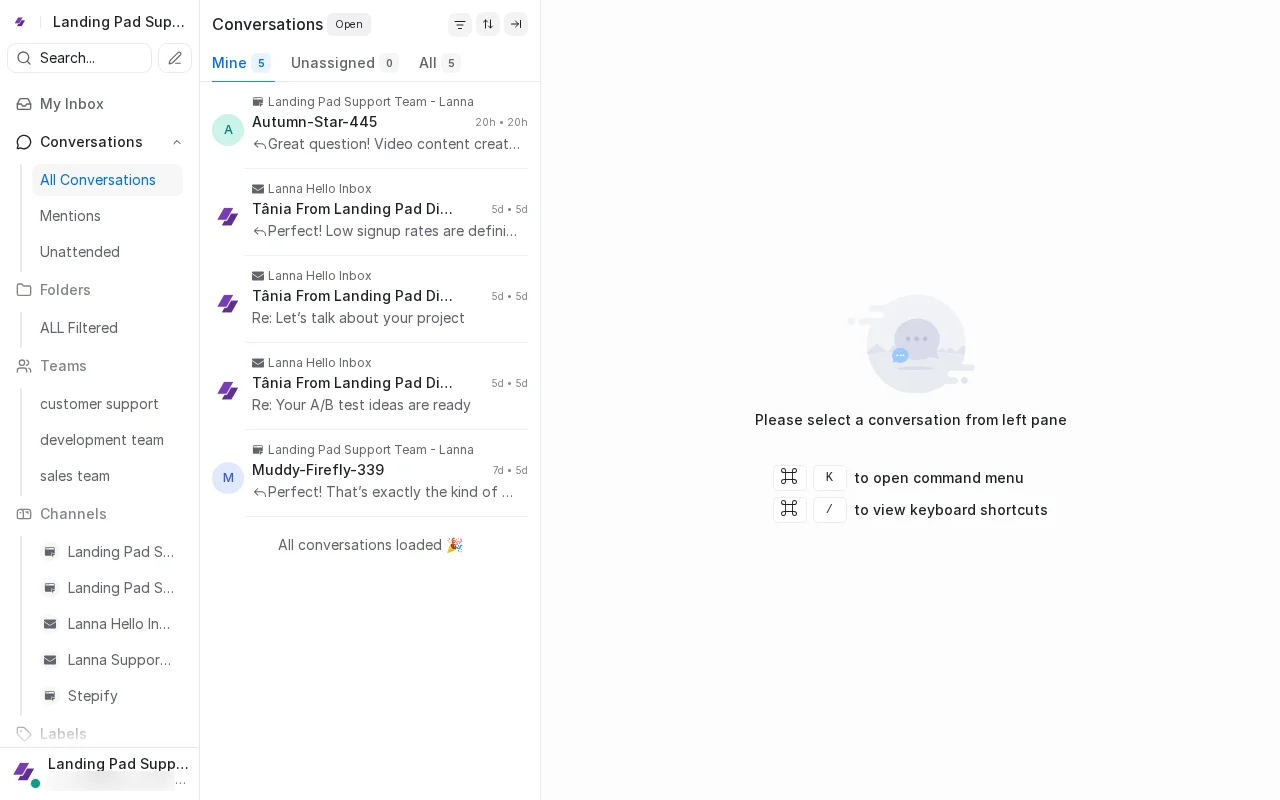
Step 1: Scroll down to find Settings gear icon at bottom of sidebar.
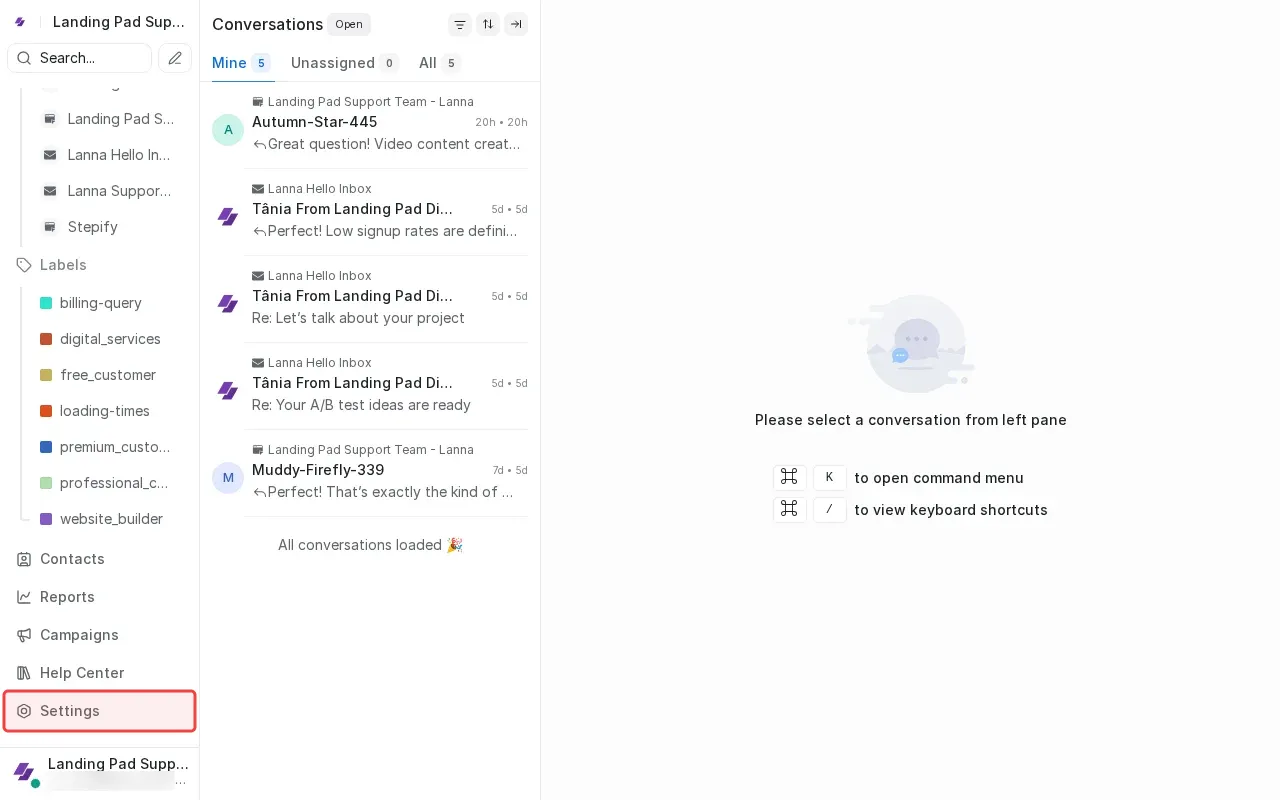
Step 2: Scroll down to find Settings gear icon.
Step 3: Click Settings in the sidebar to open settings.
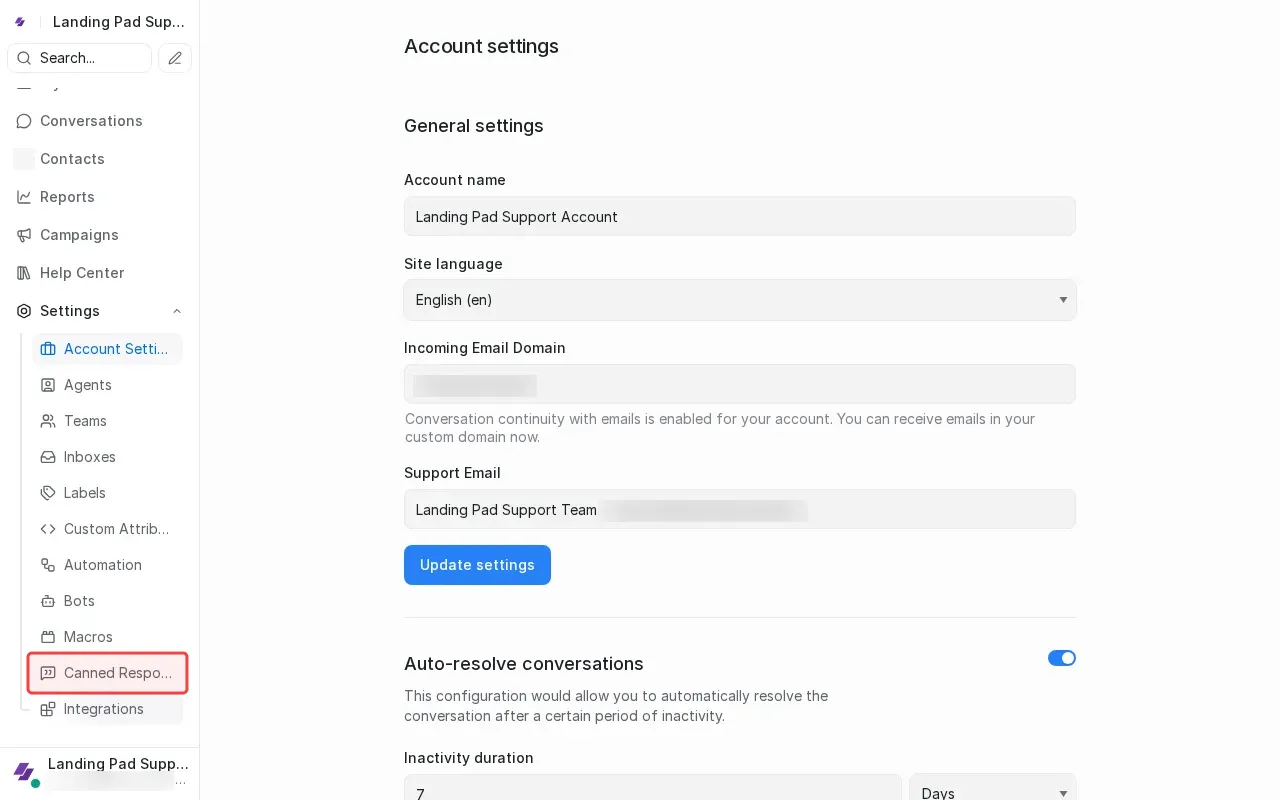
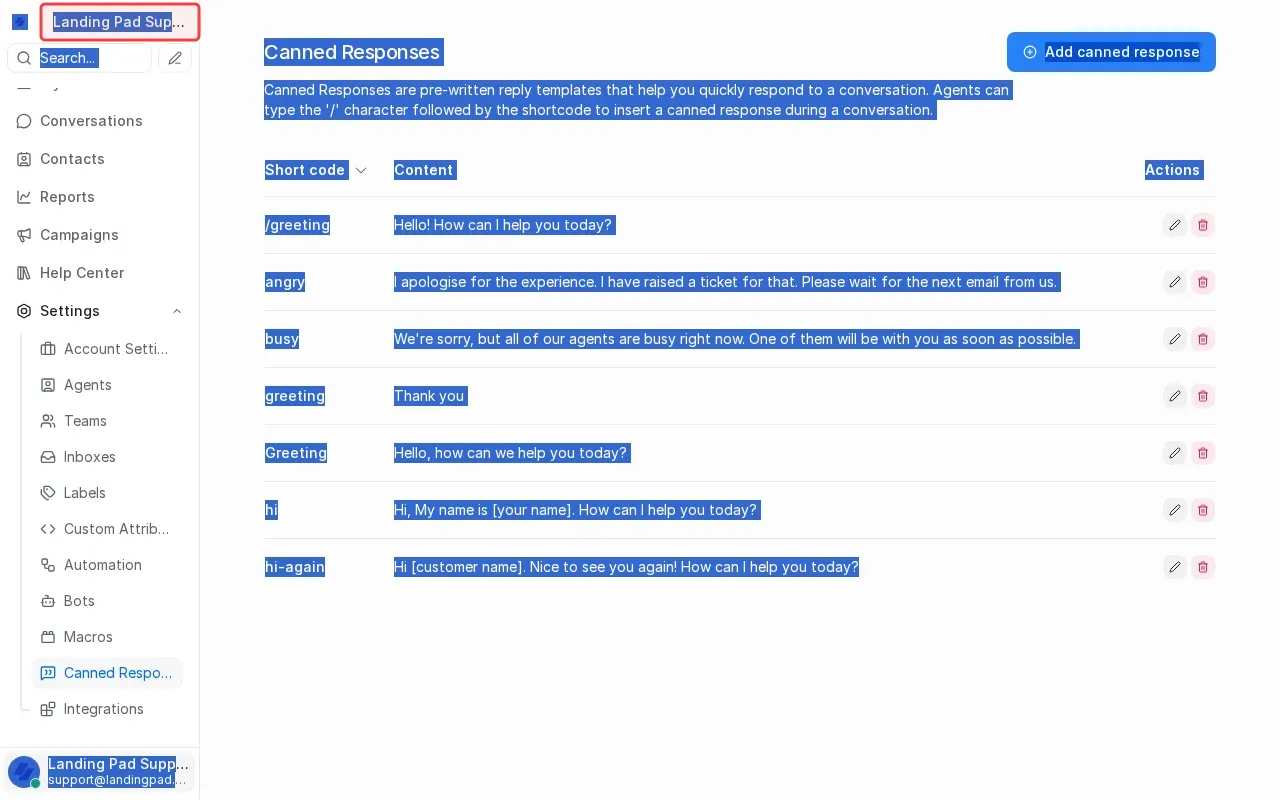
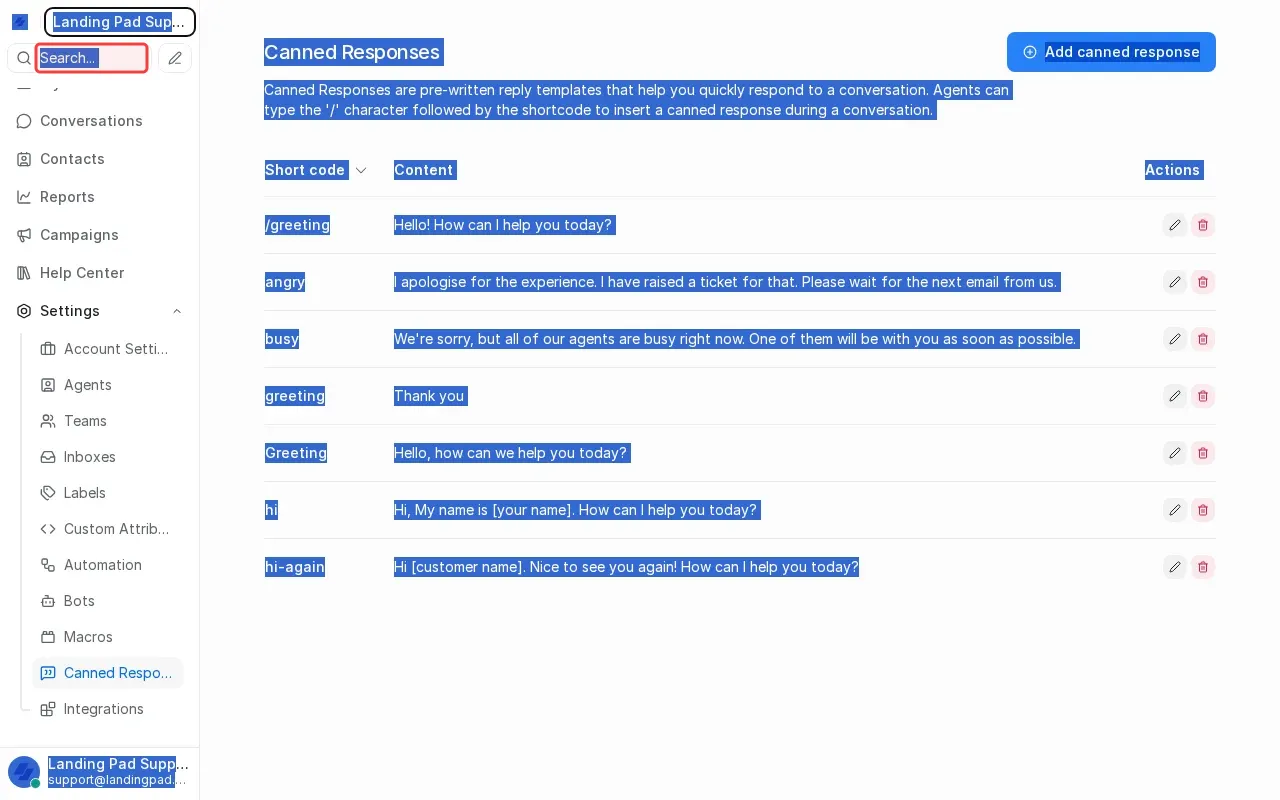
Step 4: Click 'Canned Responses' in the settings menu.
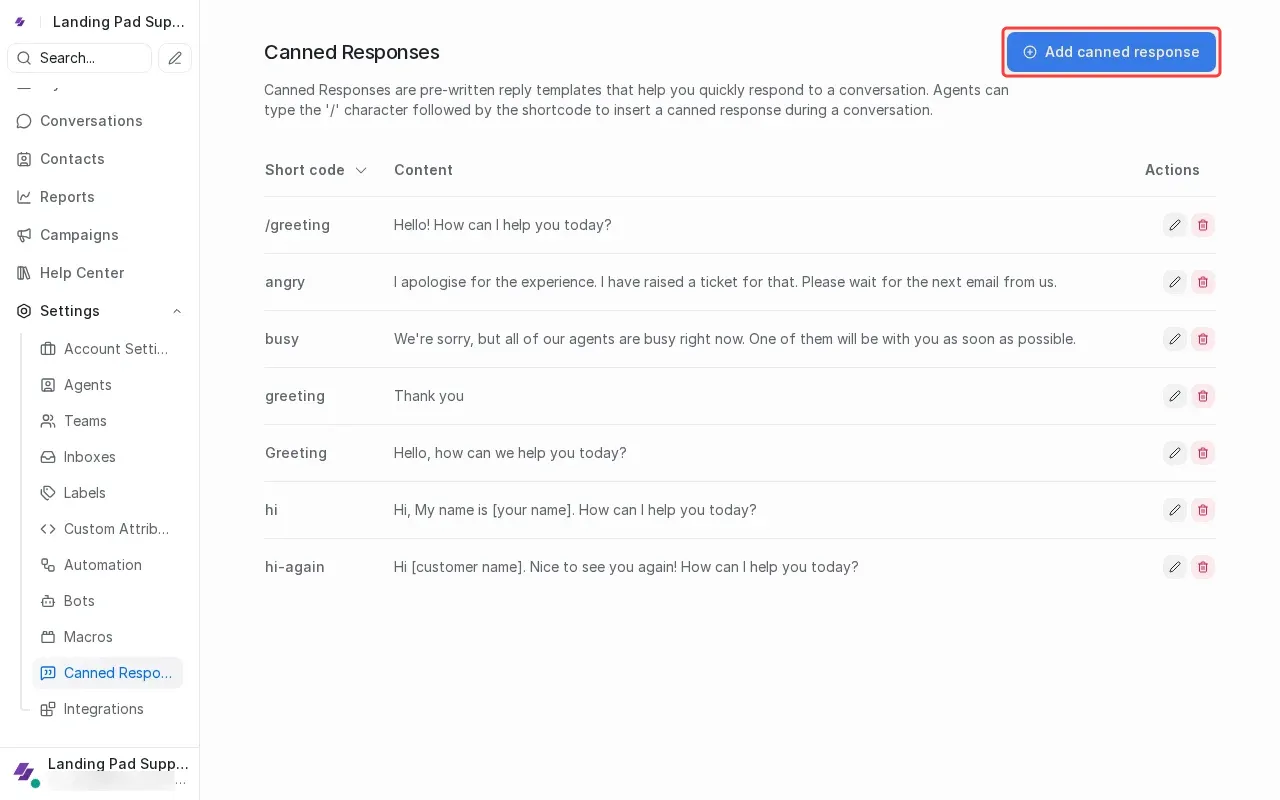
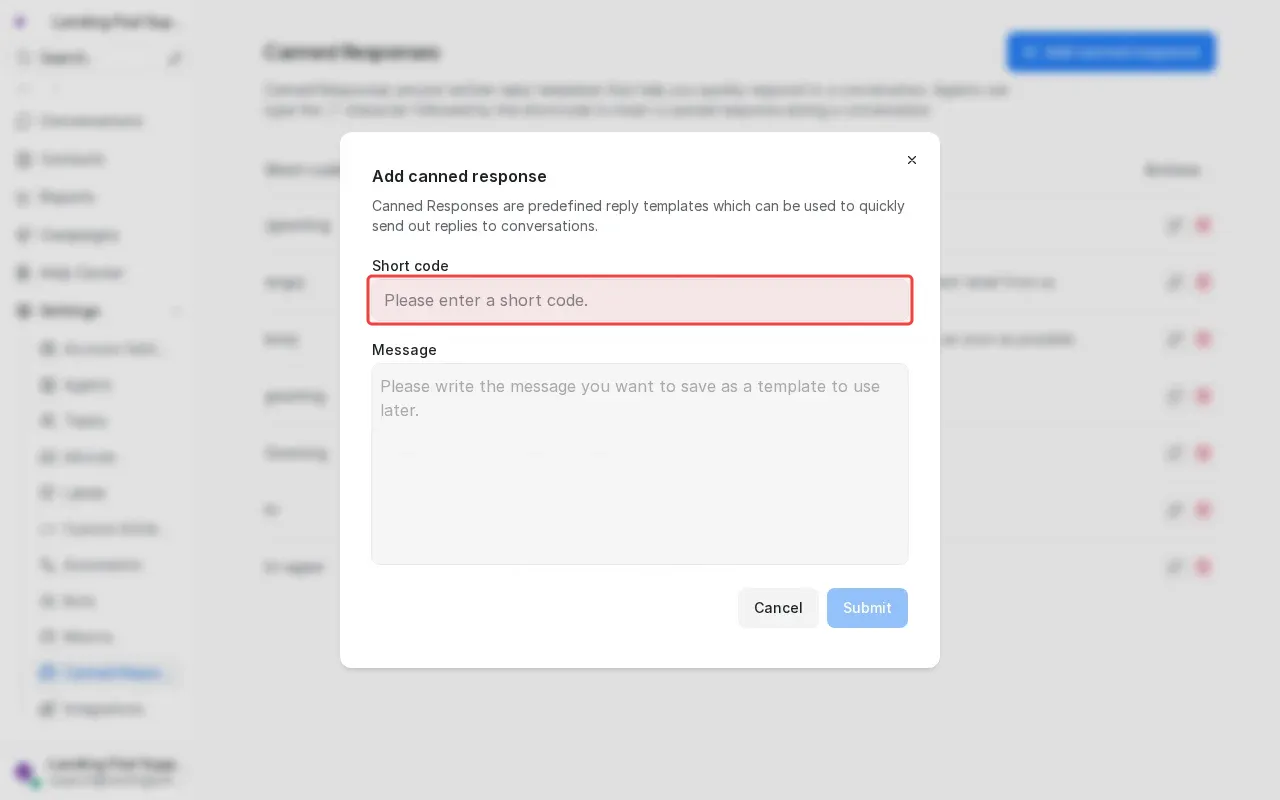
Step 5: Click 'Add canned response' button to open form.
Step 6: Type 'Thank You' in the short code field.
Step 7: Type 'Thank You' in the short code field.
Step 8: Type 'Thank You' in the short code field.
Tutorial complete.