1
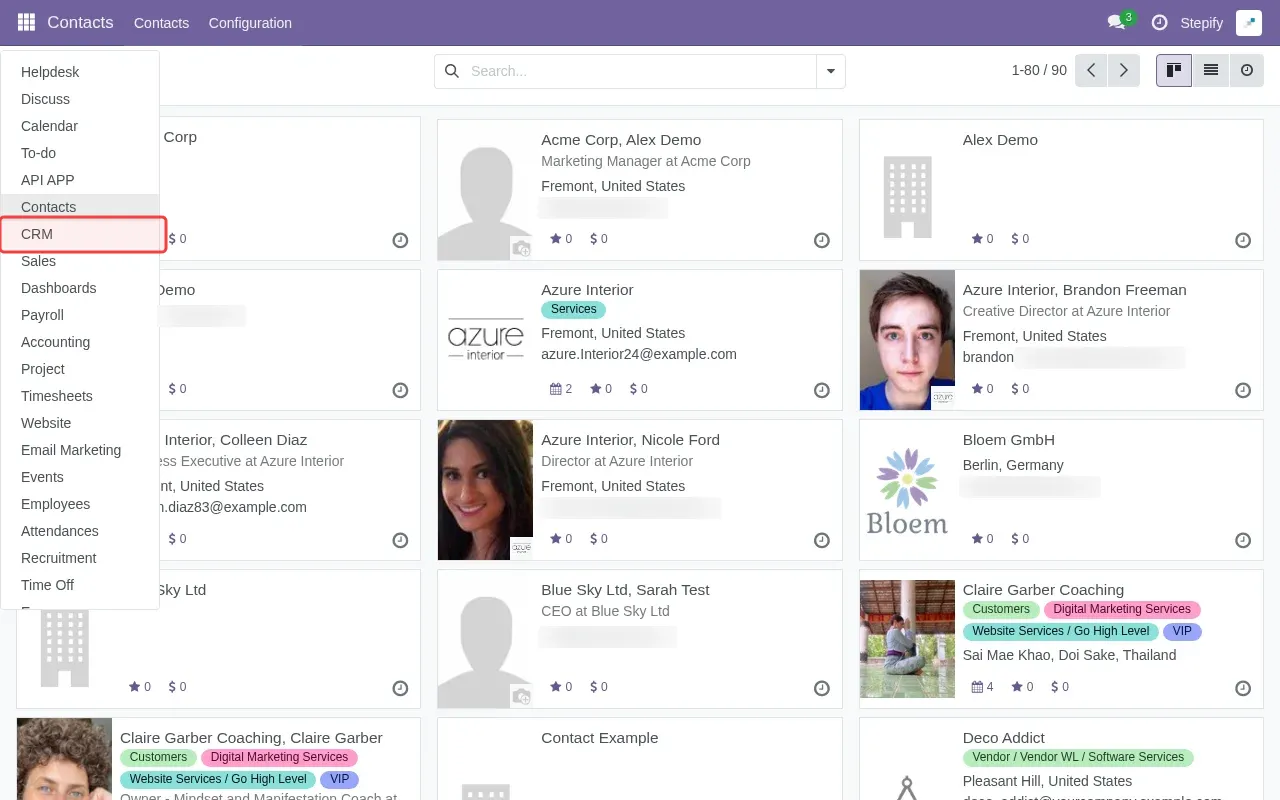
Click app switcher to access CRM app.
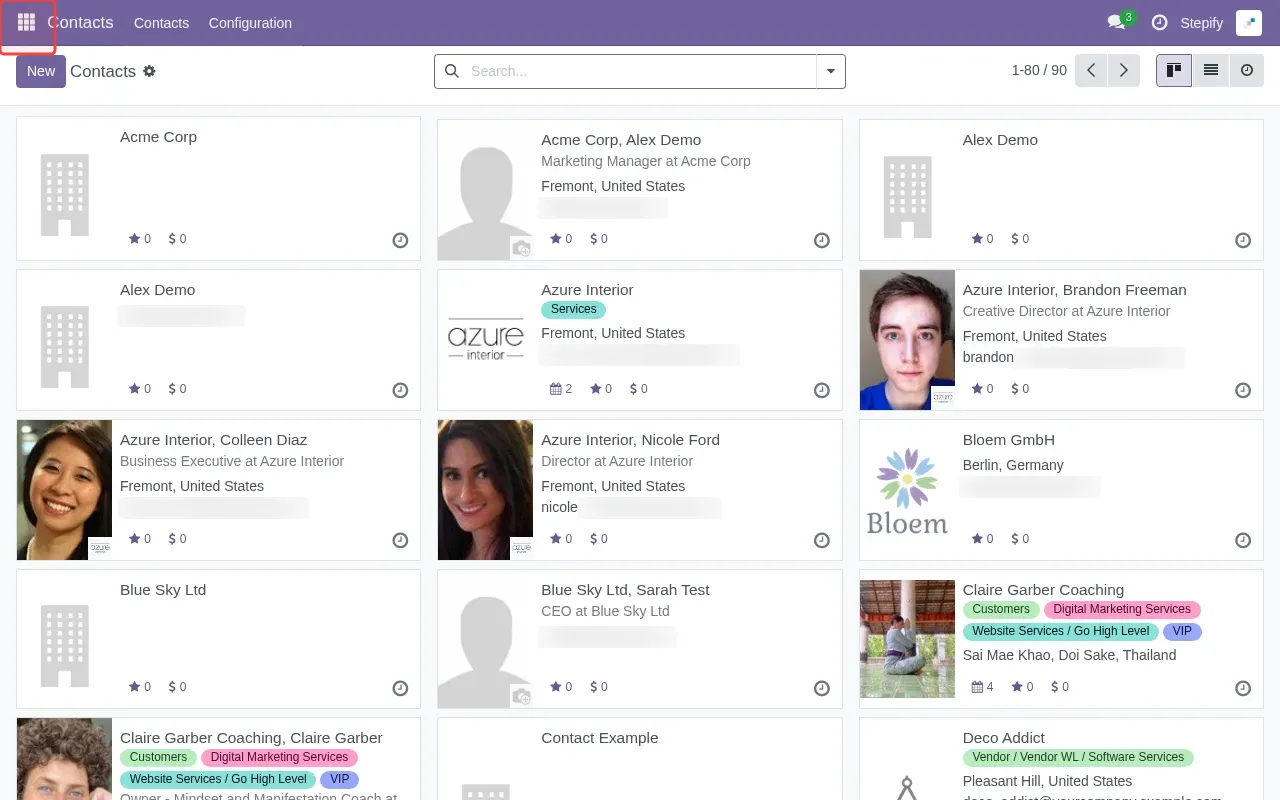
Step 1: Click app switcher to access CRM app.
Step 2: Click 'CRM' in the sidebar to access the CRM module.
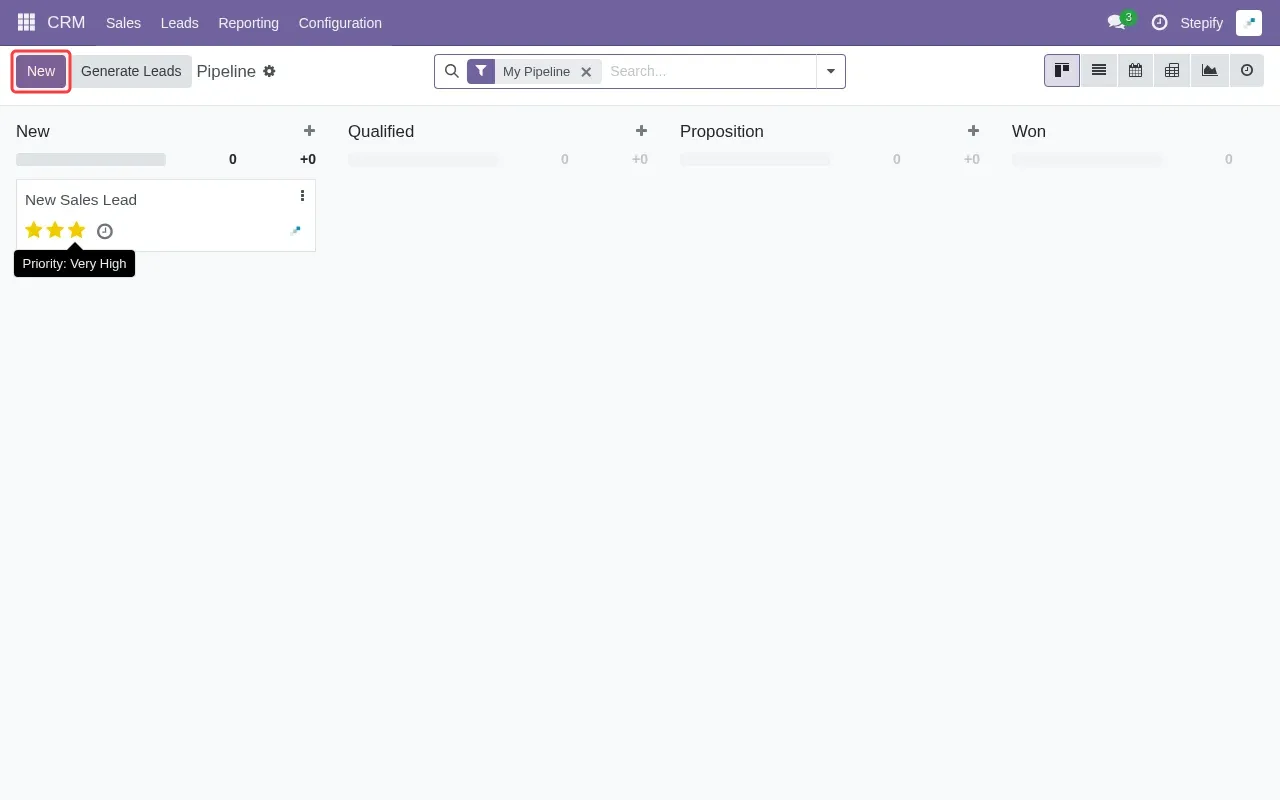
Step 3: Click 'New' button to create a new lead.
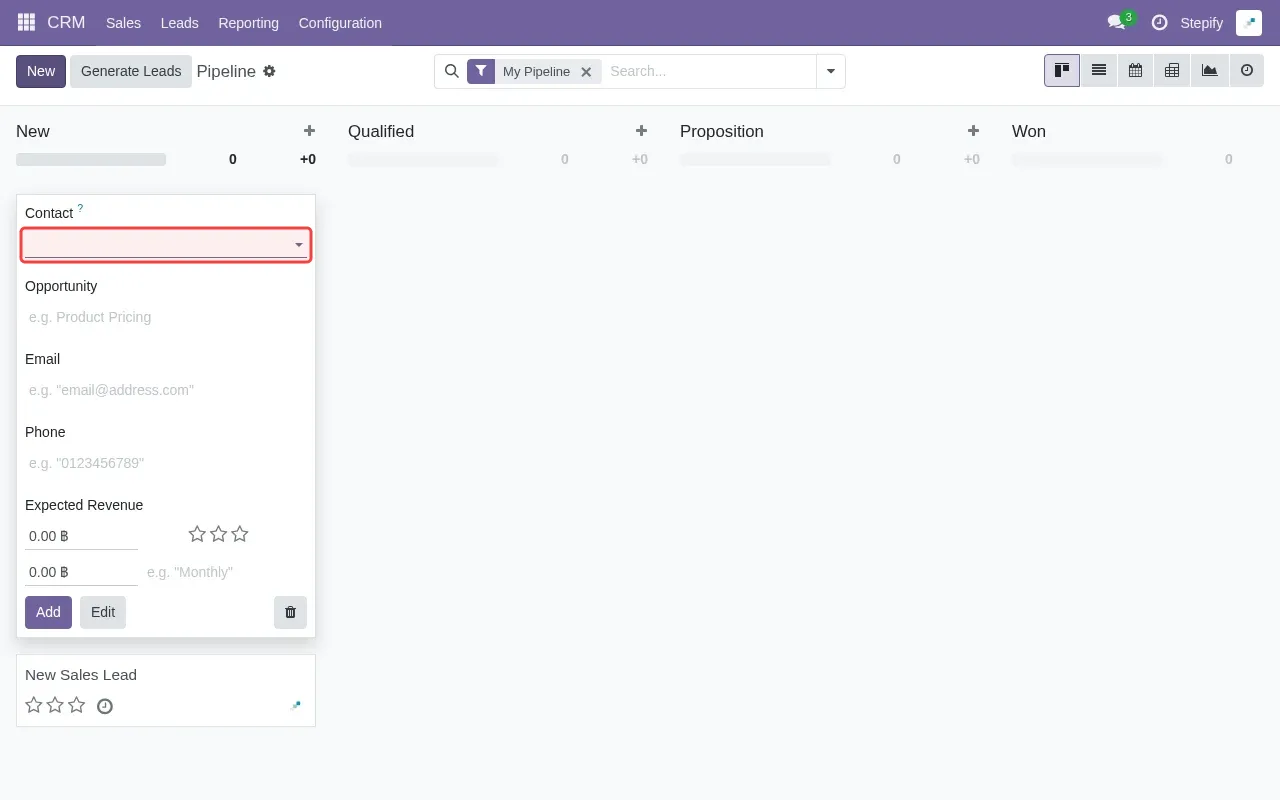
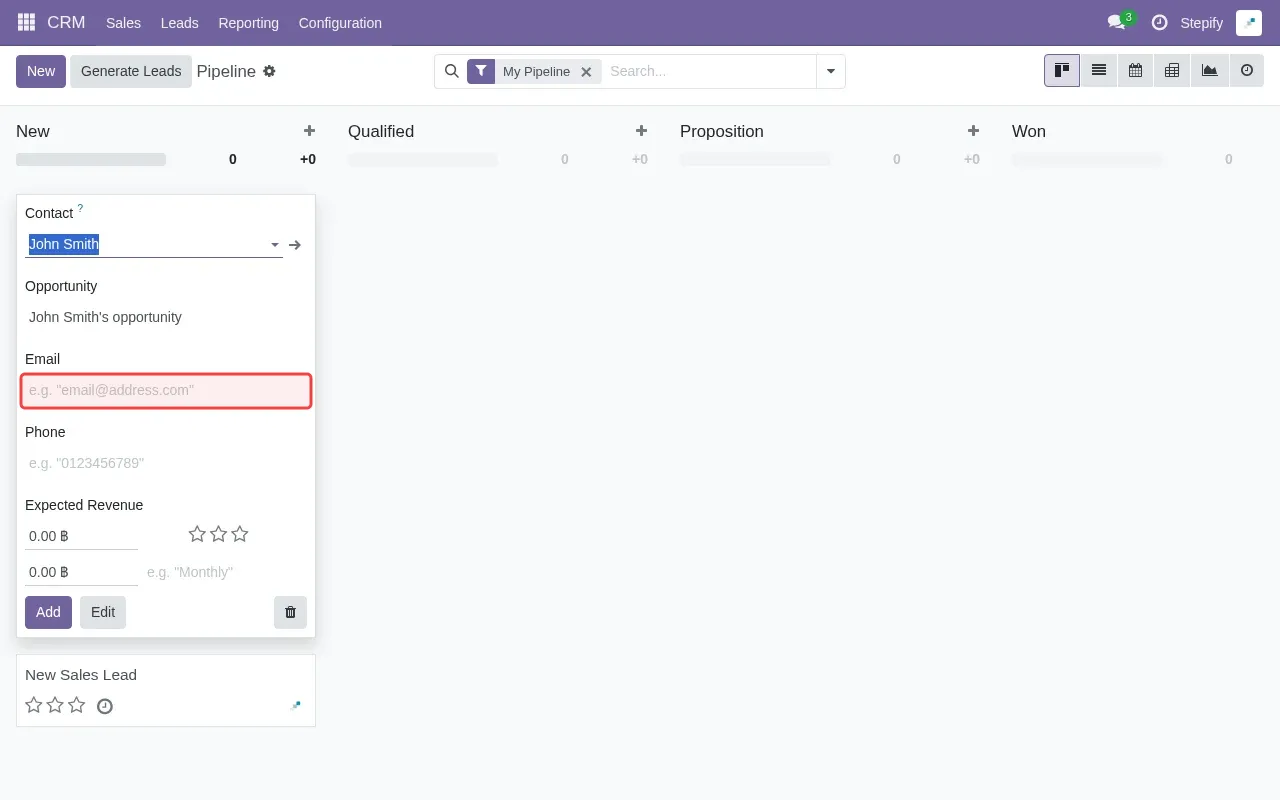
Step 4: Type contact name in the Contact field.
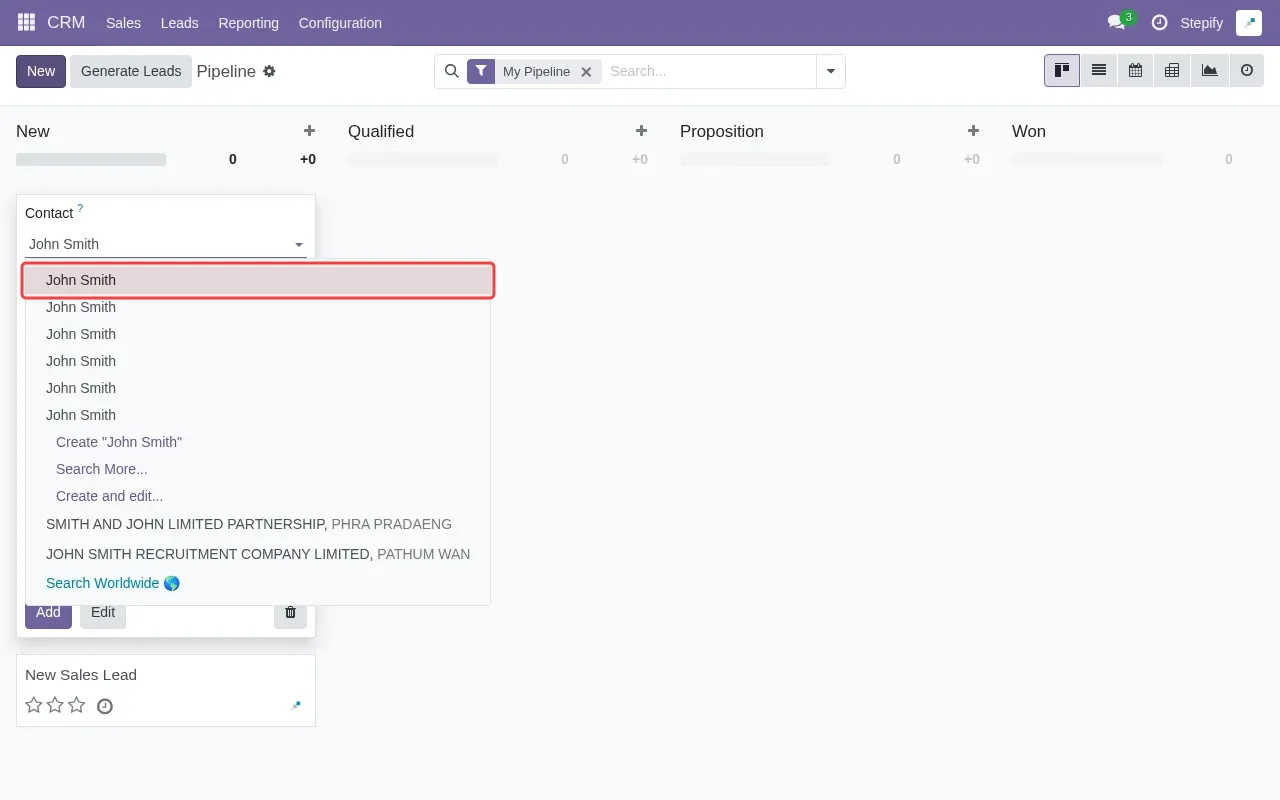
Step 5: Select 'John Smith' from the dropdown options.
Step 6: Type email address in the Email field.
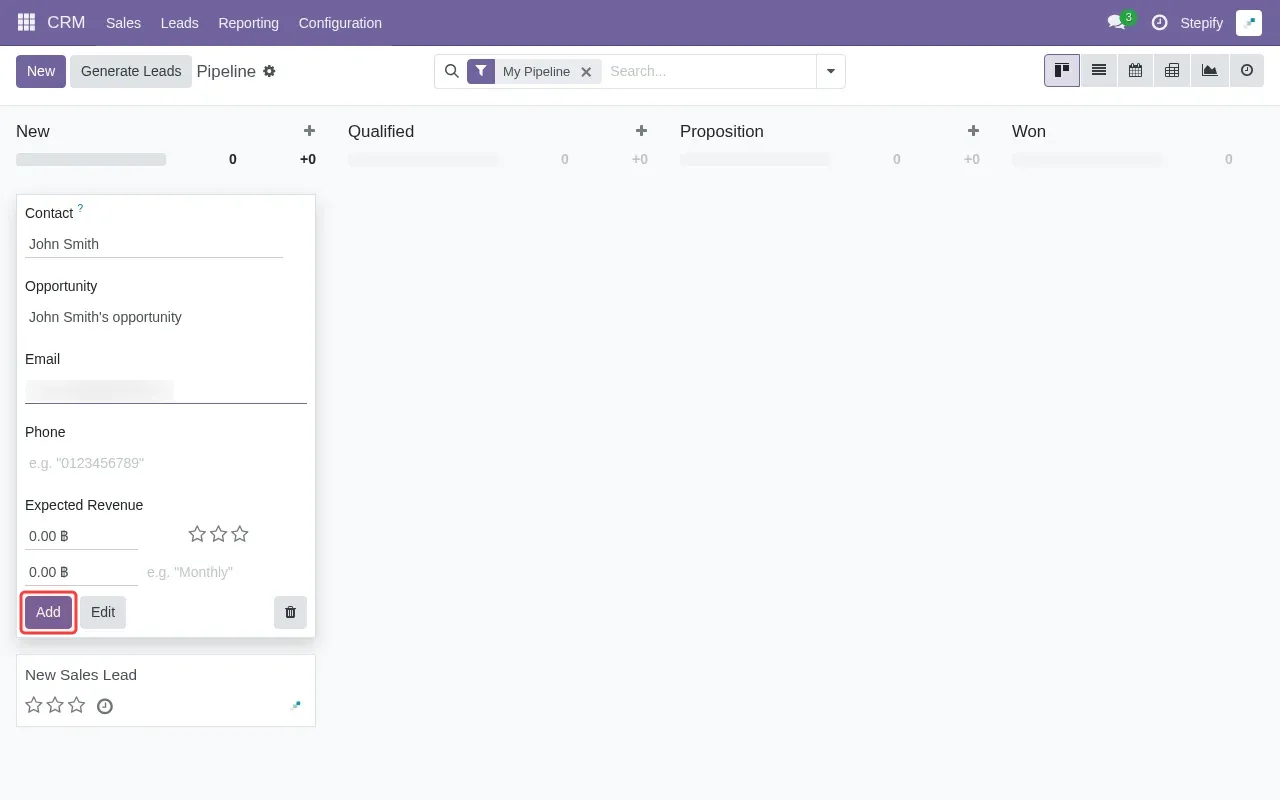
Step 7: Click 'Add' button to save the lead to pipeline.
Tutorial complete.