Matomo

How to create a custom dashboard in Matomo

6 steps 5m 5s 20/02/2026 17:27
0:00 / 0:00

Transcript

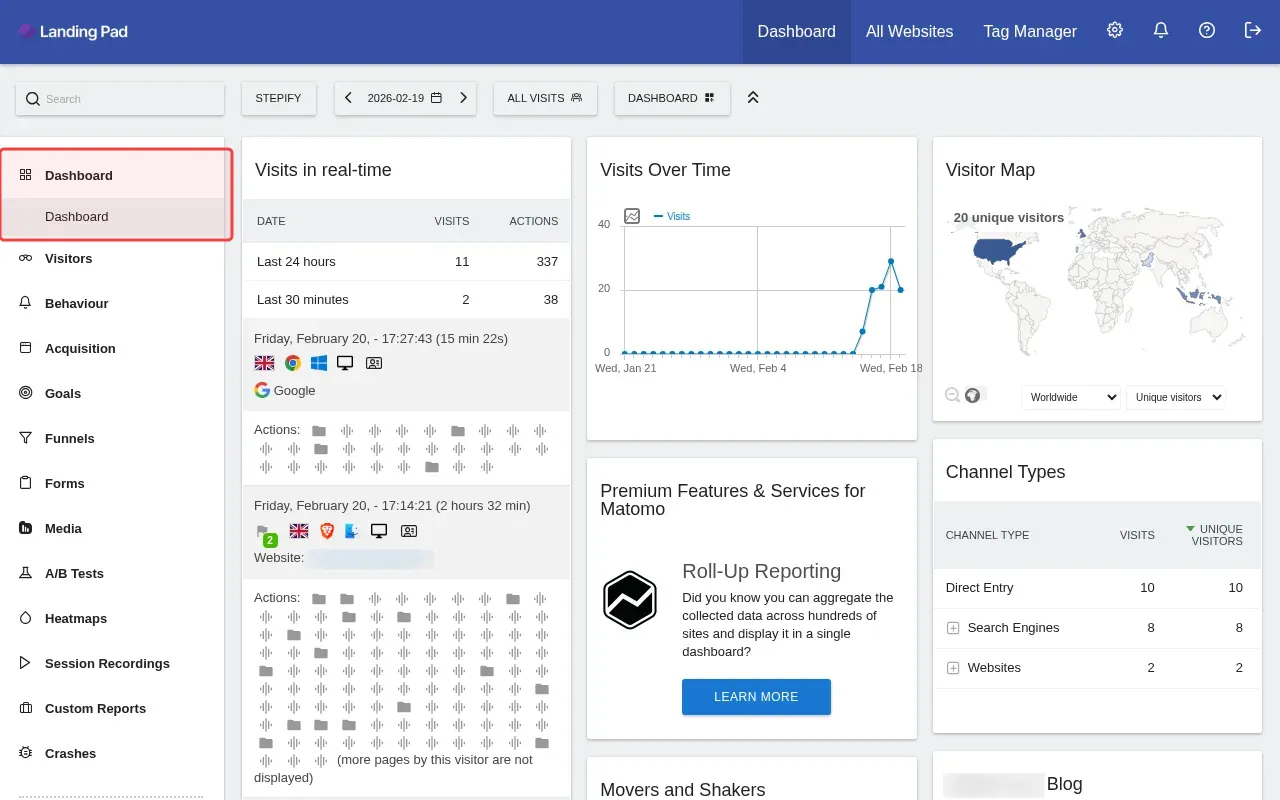
Step 1: Click Dashboard menu to explore dashboard options.

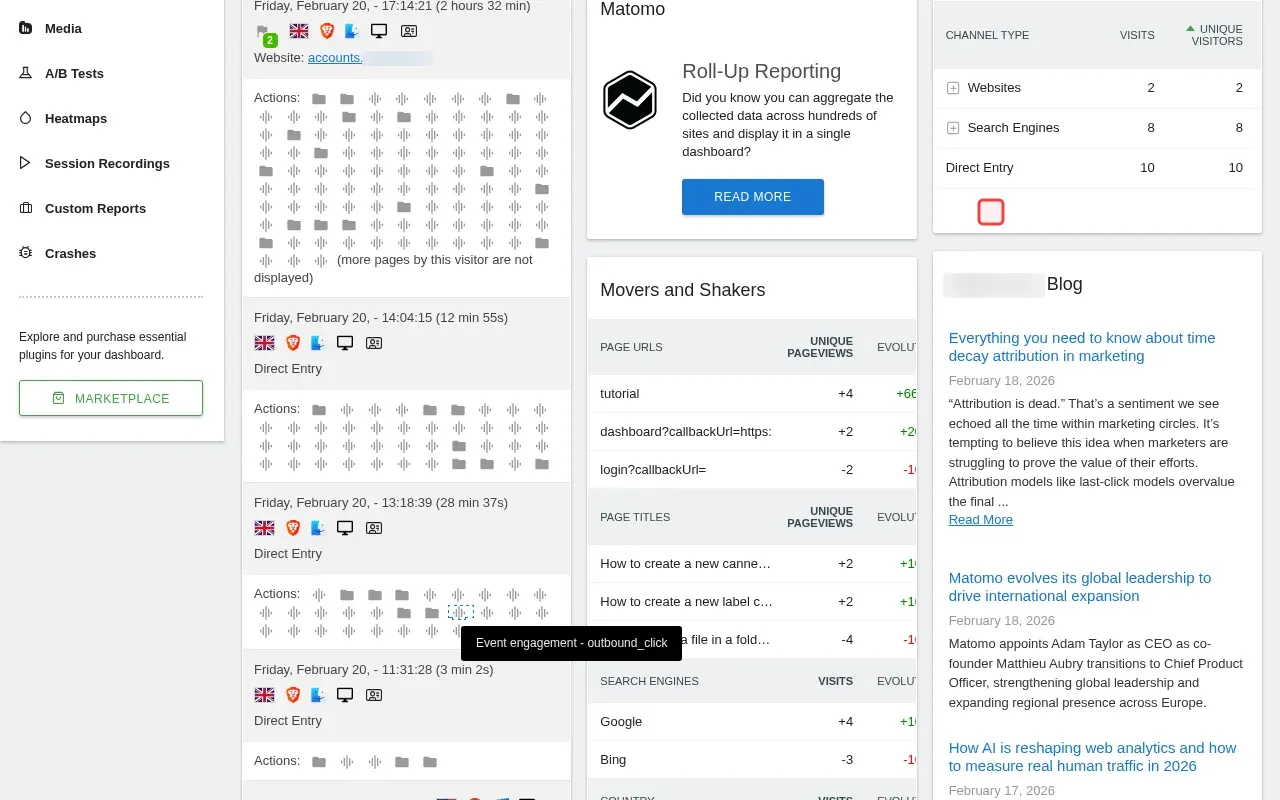
Step 2: Scroll down to find dashboard creation options.

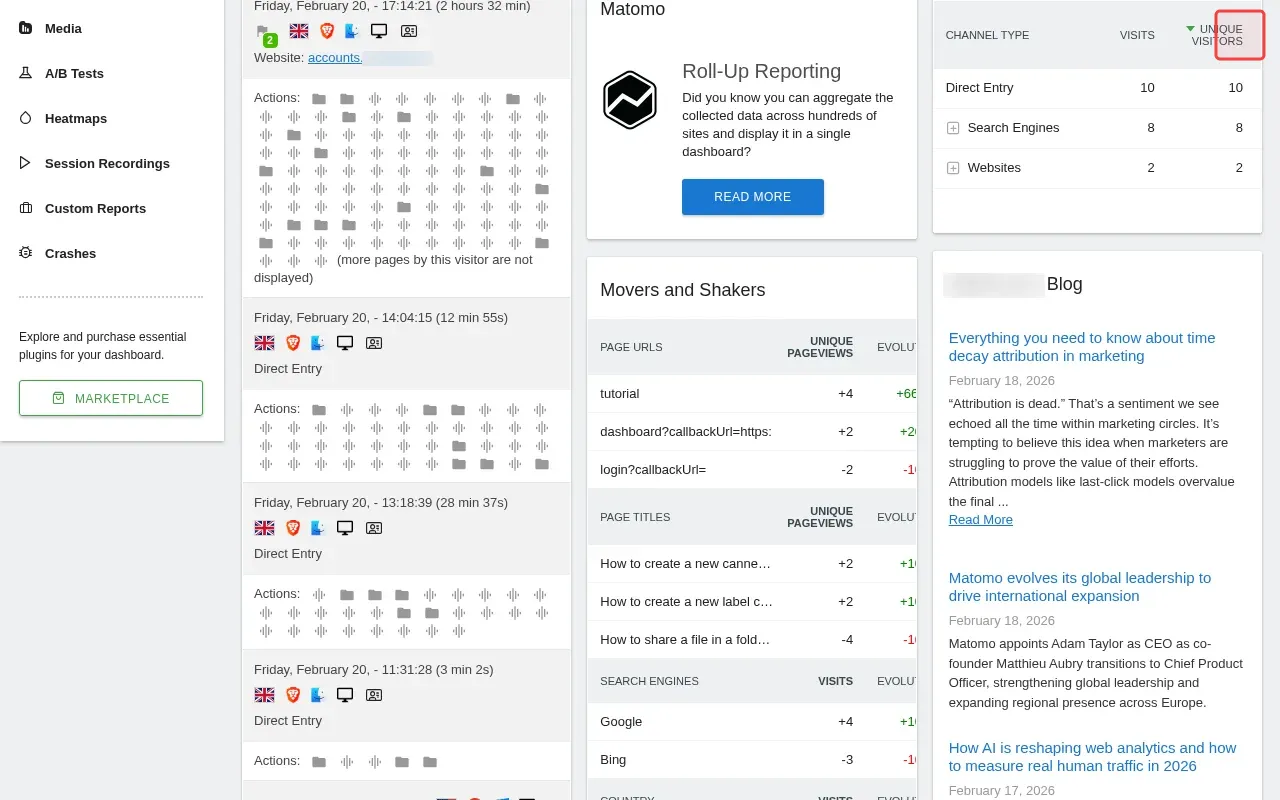
Step 3: Click gear icon in top right to access Administration settings.

Step 4: Click Dashboard menu to access dashboard management options.

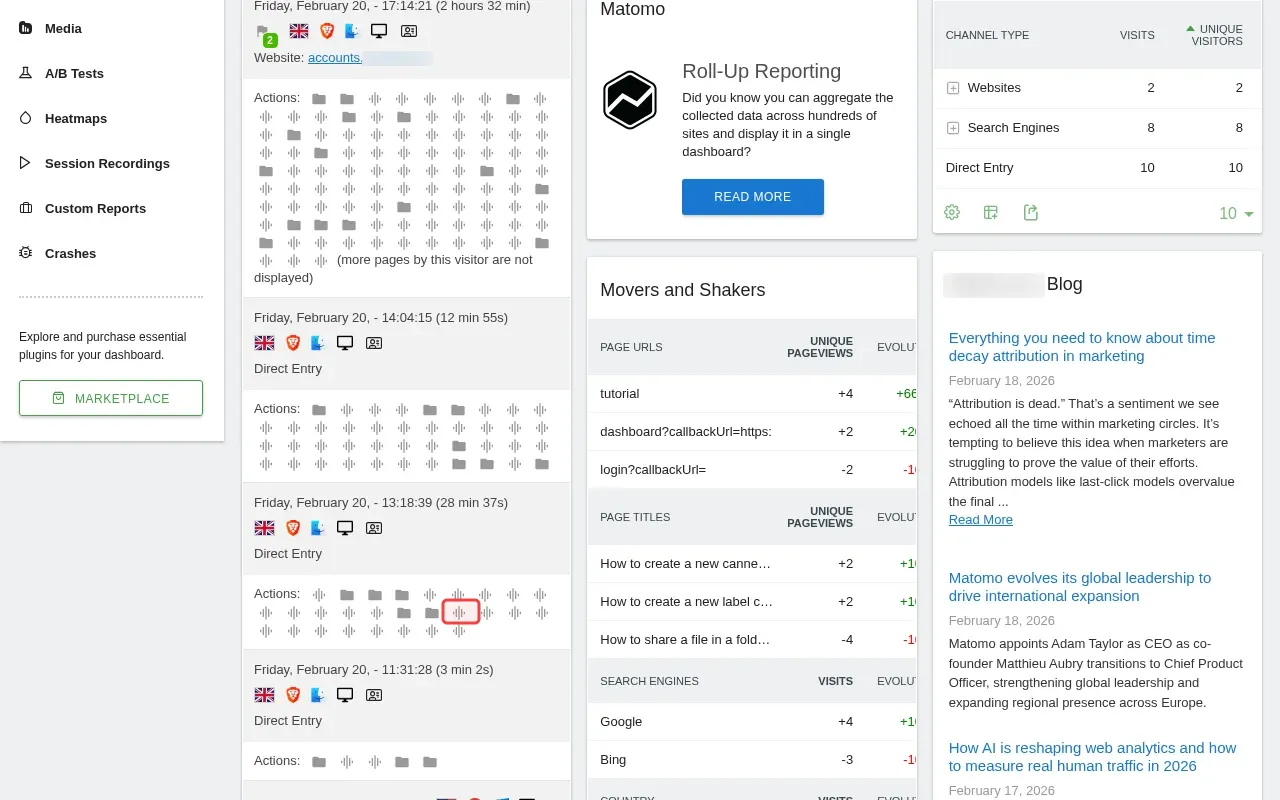
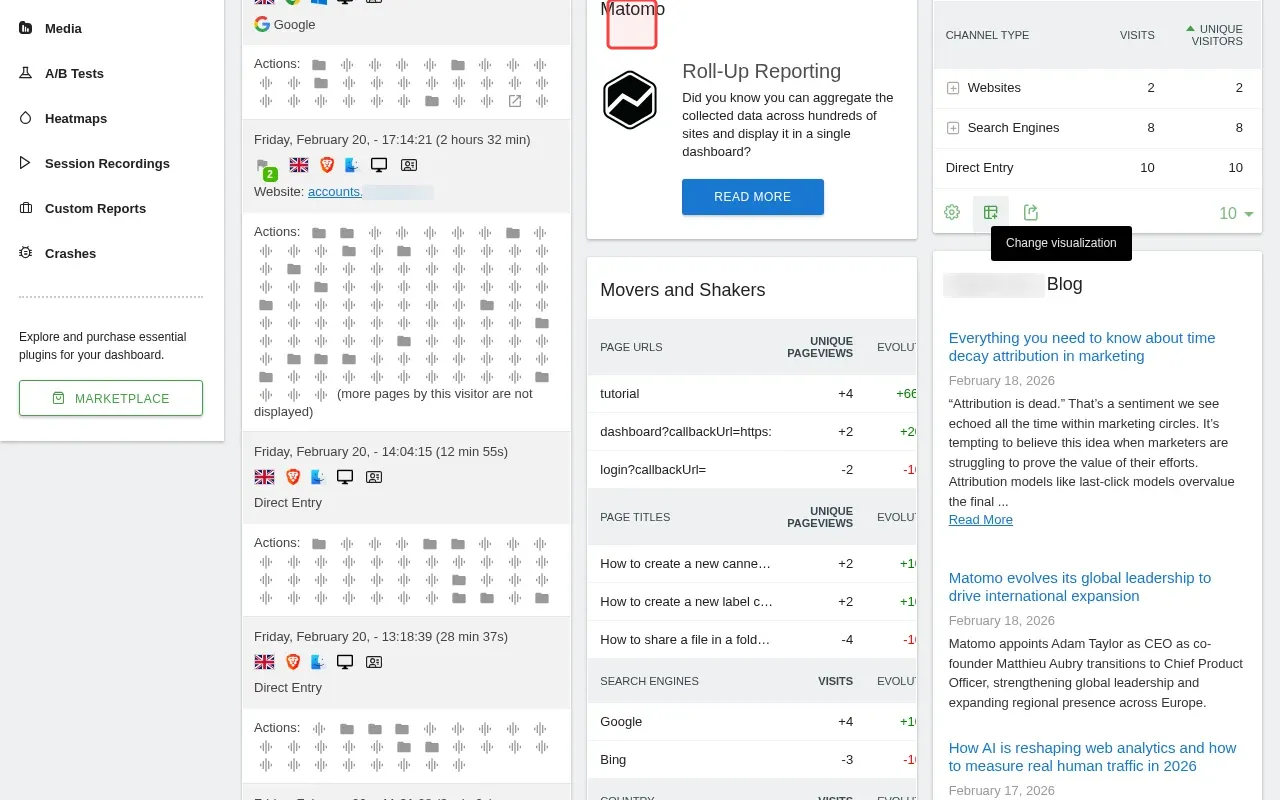
Step 5: Hover over dashboard controls to reveal creation options.

Step 6: Click Dashboard menu to access dashboard creation options.

Step-by-Step Guide

1

Click Dashboard menu to explore dashboard options.

Screenshot showing clicking Dashboard menu to explore dashboard options
2

Scroll down to find dashboard creation options.

Screenshot showing scrolling down to find dashboard creation options
3

Click gear icon in top right to access Administration settings.

Screenshot showing clicking gear icon in top right to access Administration settings
4

Click Dashboard menu to access dashboard management options.

Screenshot showing clicking Dashboard menu to access dashboard management options
5

Hover over dashboard controls to reveal creation options.

Screenshot showing hovering over over dashboard controls to reveal creation options
6

Click Dashboard menu to access dashboard creation options.

Screenshot showing clicking Dashboard menu to access dashboard creation options