asana

How to create a new project in Asana

3 steps 16s 19/02/2026 18:48 7 views
0:00 / 0:00

Transcript

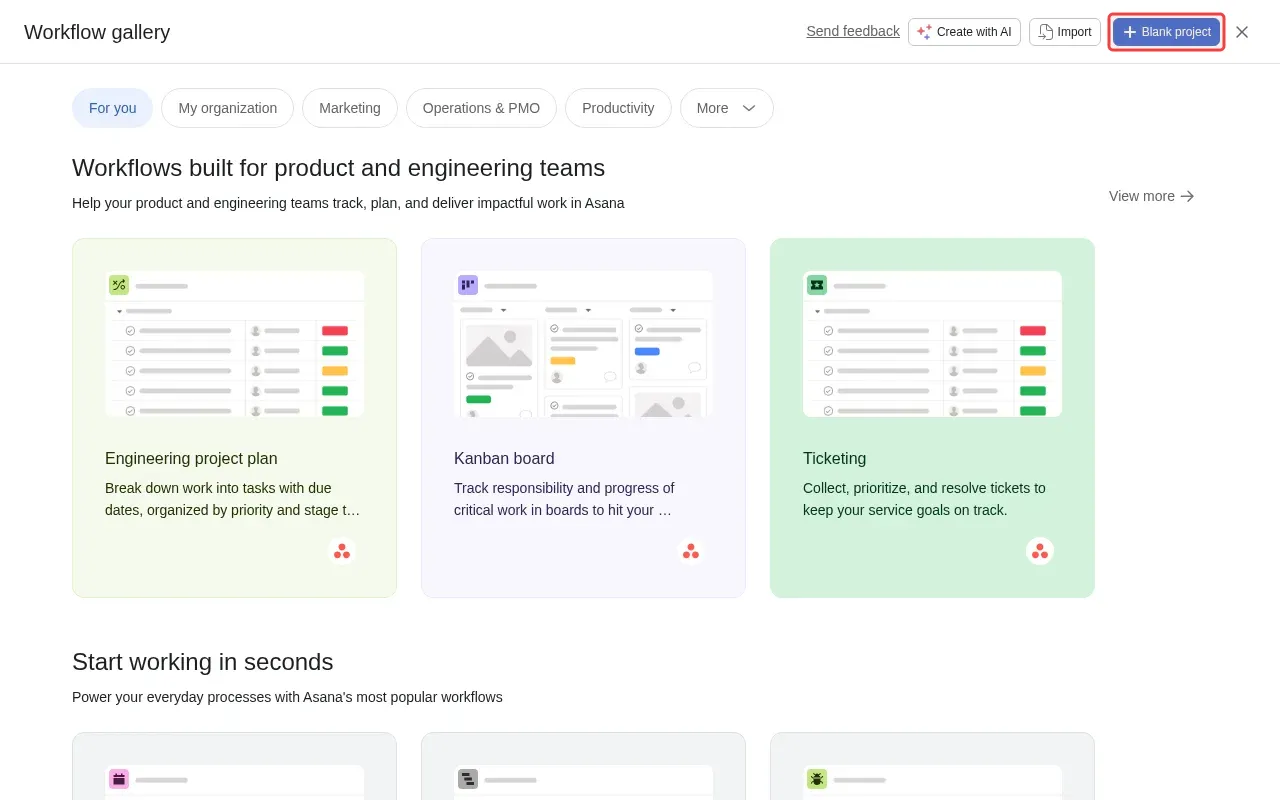
Step 1: Click 'Blank project' button to create new project.

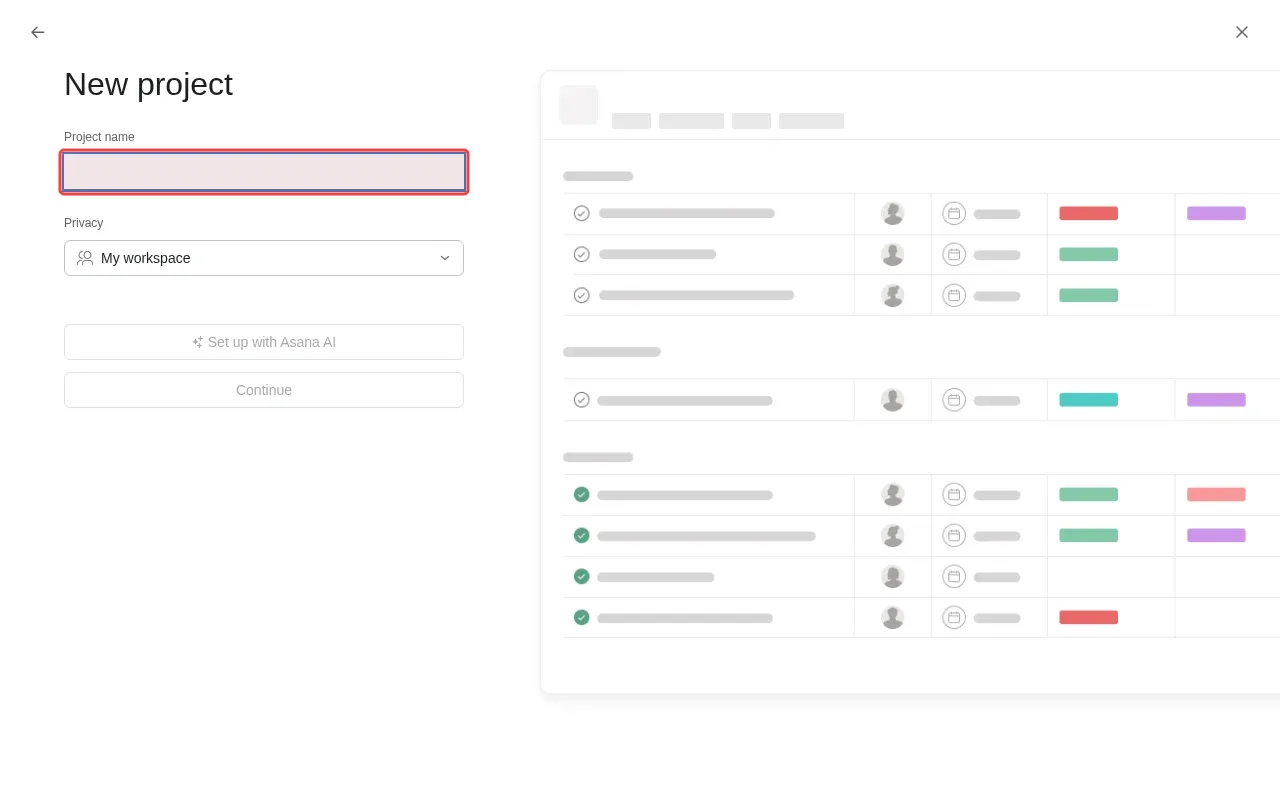
Step 2: Type 'Marketing Campaign' in the project name field.

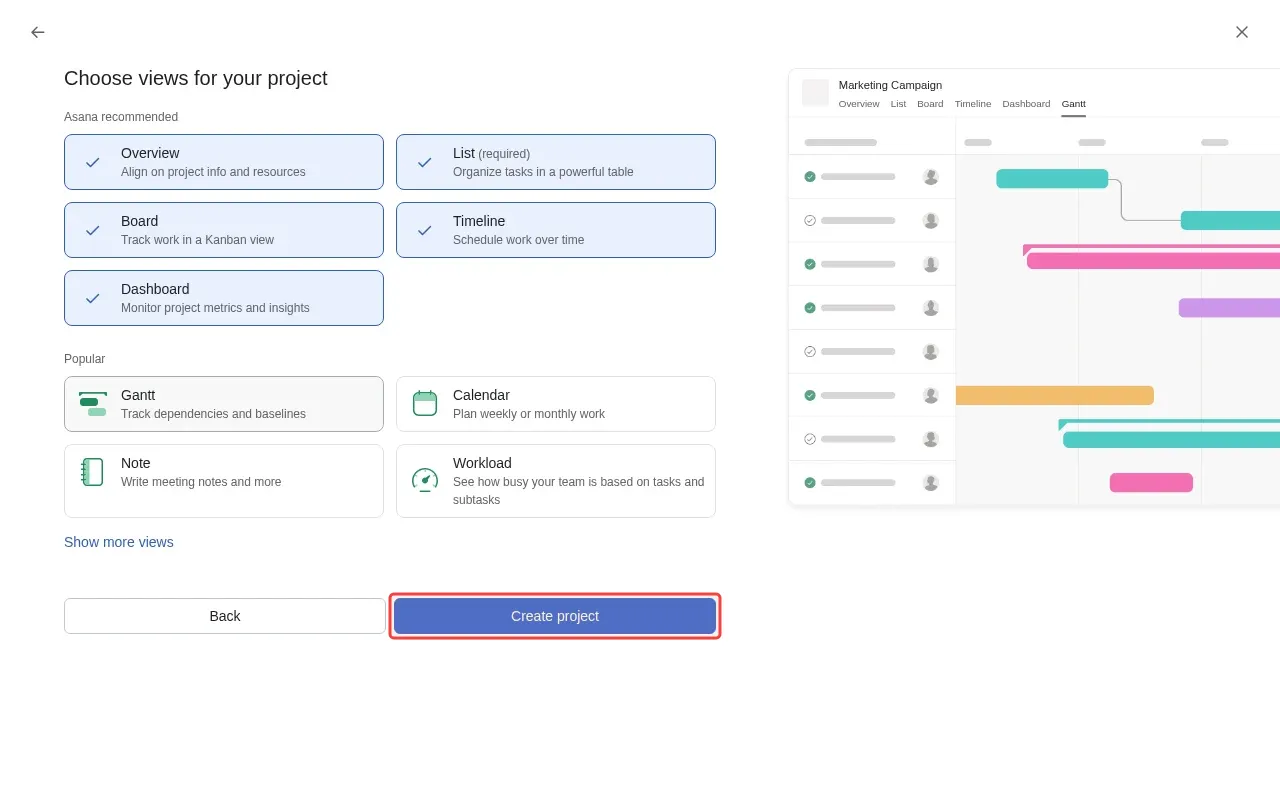
Step 3: Click 'Create project' to complete the project creation.
Step-by-Step Guide

1

Click 'Blank project' to create new project.

Screenshot showing clicking Blank project to create new project
2

Type 'Marketing Campaign' in the project name field.

Screenshot showing typing Marketing Campaign in the project name field
3

Click 'Create project' to complete the project creation.
Screenshot showing clicking Create project to complete the project creation