Notion

How to create a new page in Notion

3 steps 31s 19/02/2026 18:25 2 views
0:00 / 0:00

Transcript

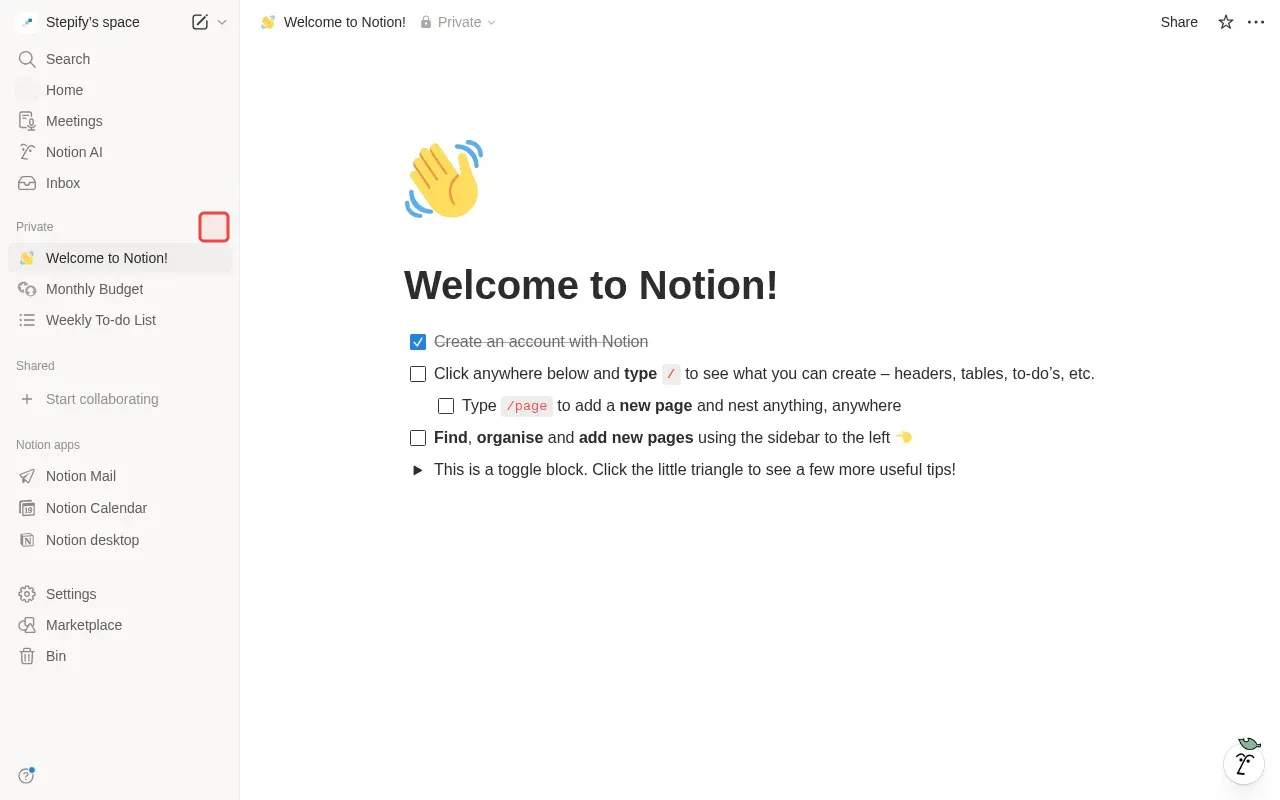
Step 1: Click '+' button next to Private section to create new page.

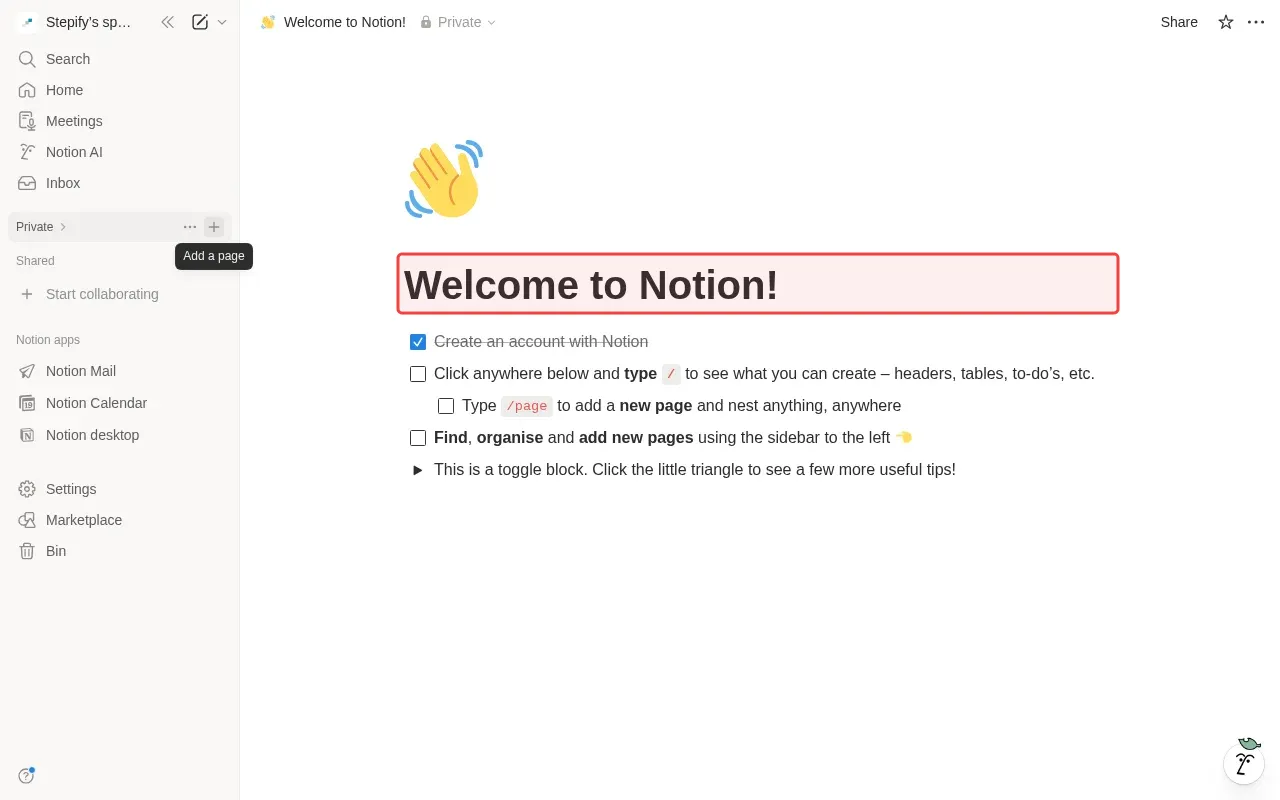
Step 2: Type page title in the title field.

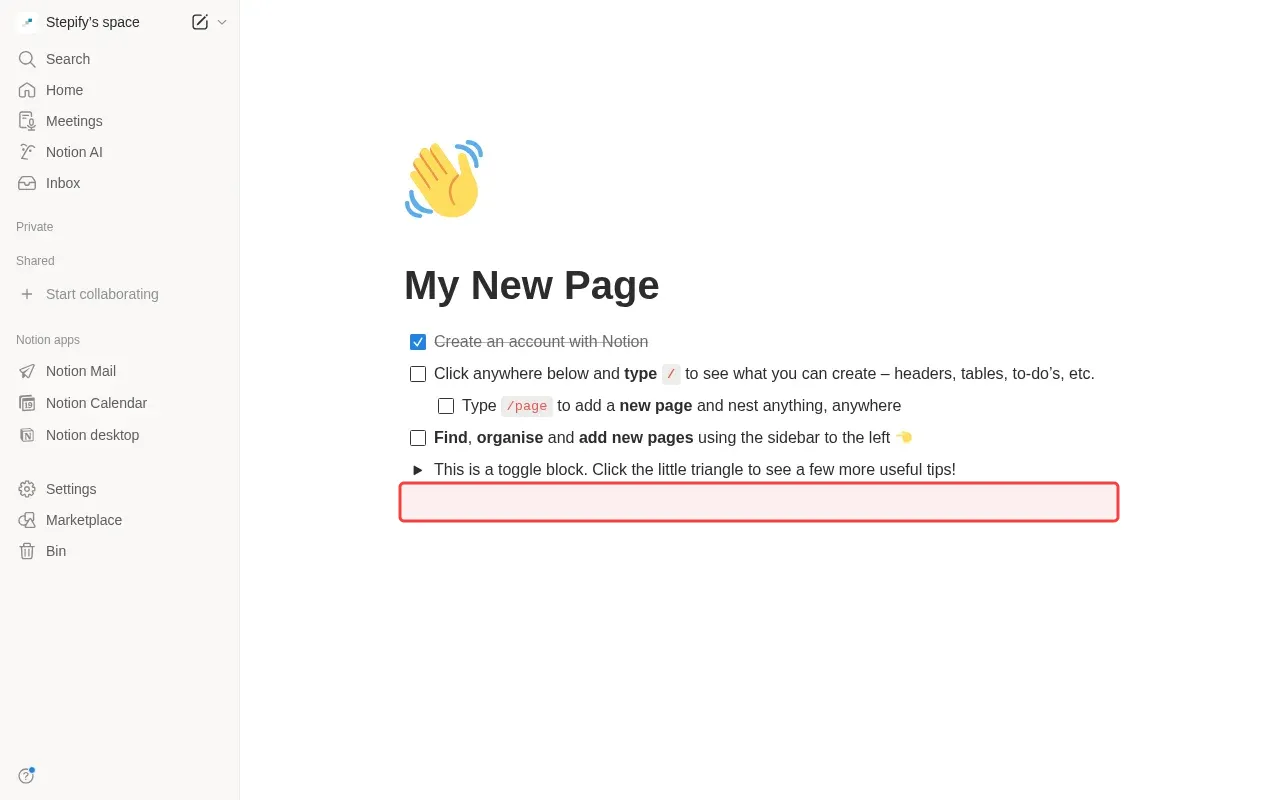
Step 3: Type heading text in the content area below title.
Step-by-Step Guide

1

Click '+' next to Private section to create new page.

Screenshot showing clicking + next to Private section to create new page
2

Type page title in the title field.

Screenshot showing typing page title in the title field
3

Type heading text in the content area below title.
Screenshot showing typing heading text in the content area below title