confluence

How to create a board in Confluence

7 steps 1m 13s 22/02/2026 09:45 4 views
0:00 / 0:00

Transcript

Step 1: Click 'View all apps' to find Confluence.

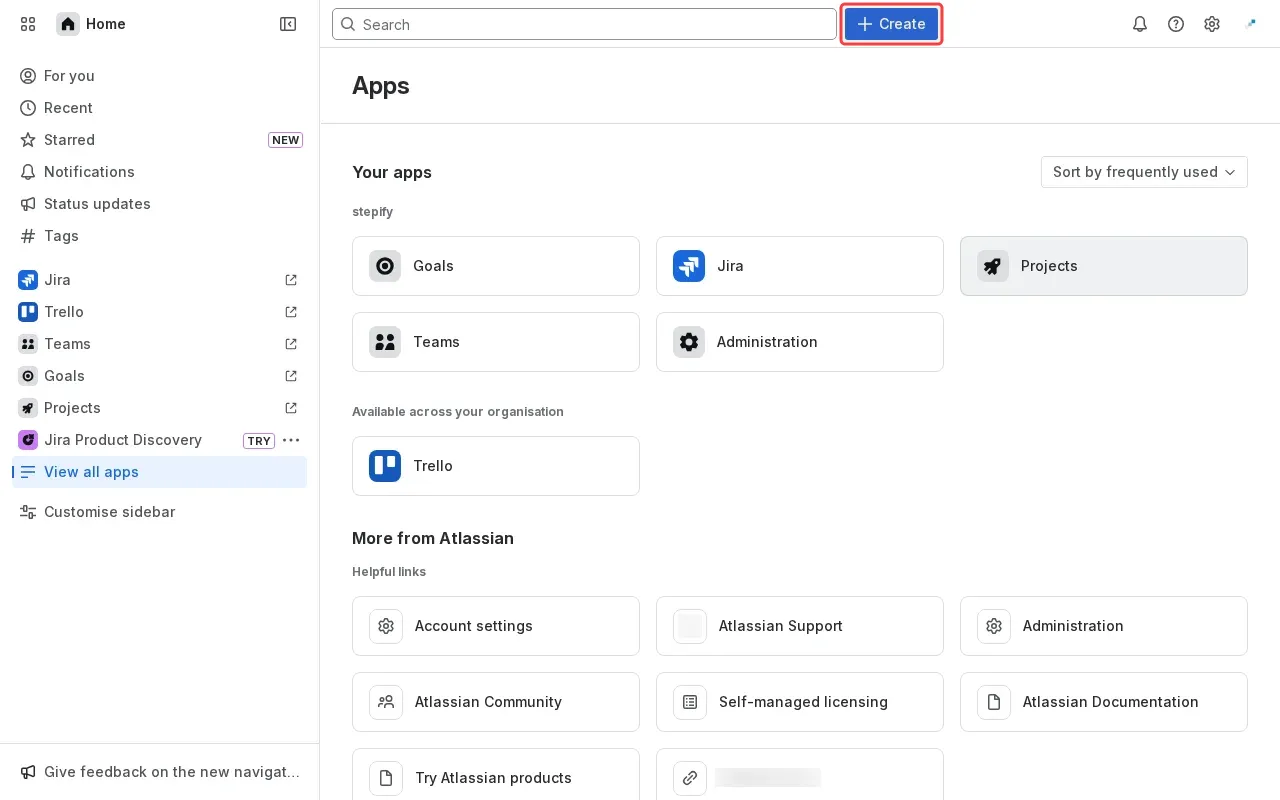
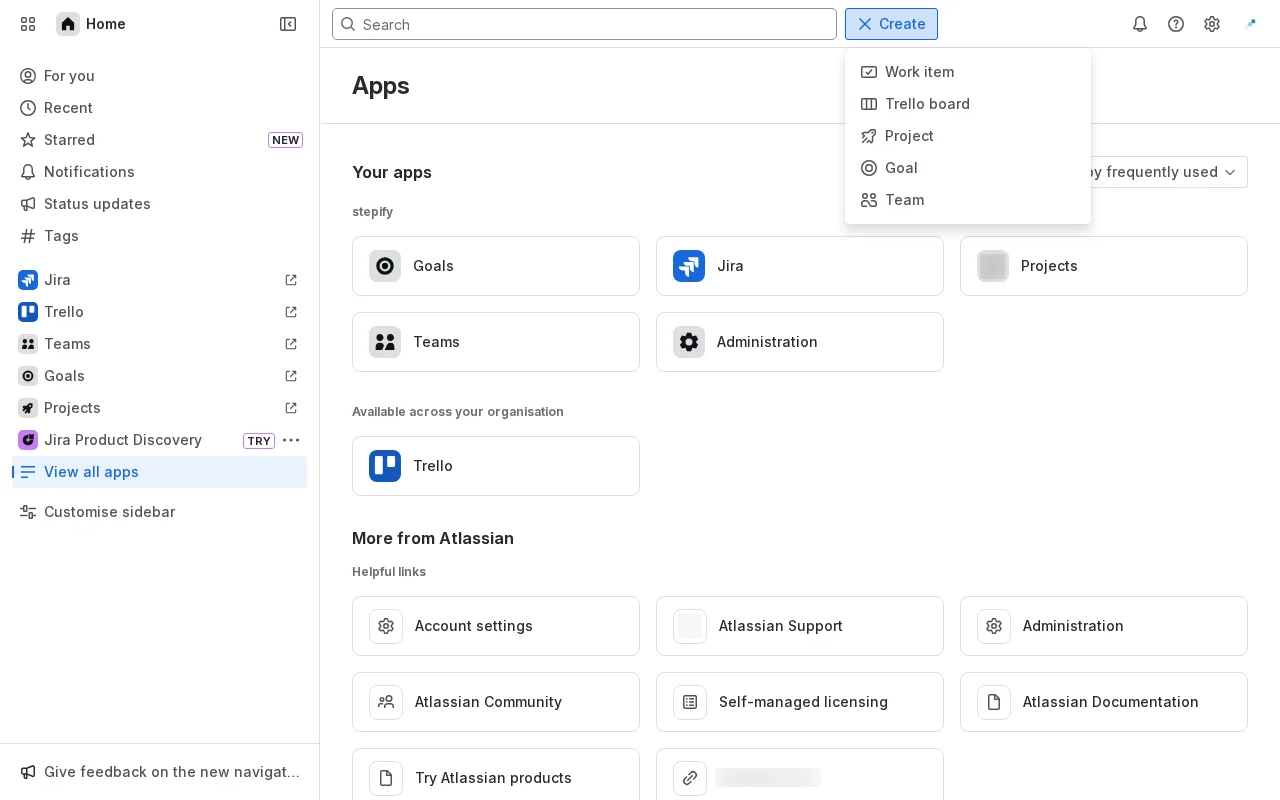
Step 2: Click 'Create' button to explore creation options.

Step 3: Scroll down to find more available apps.

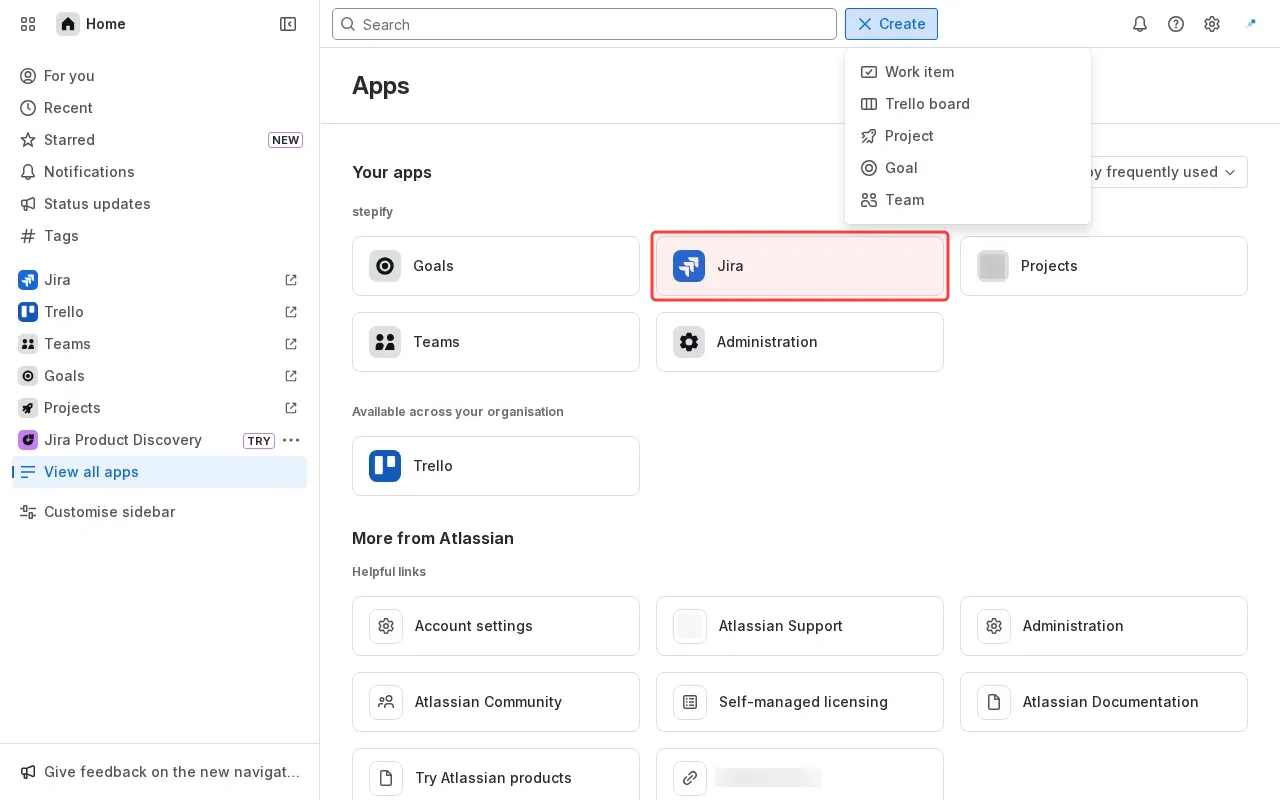
Step 4: Click 'Jira' to access Atlassian workspace.

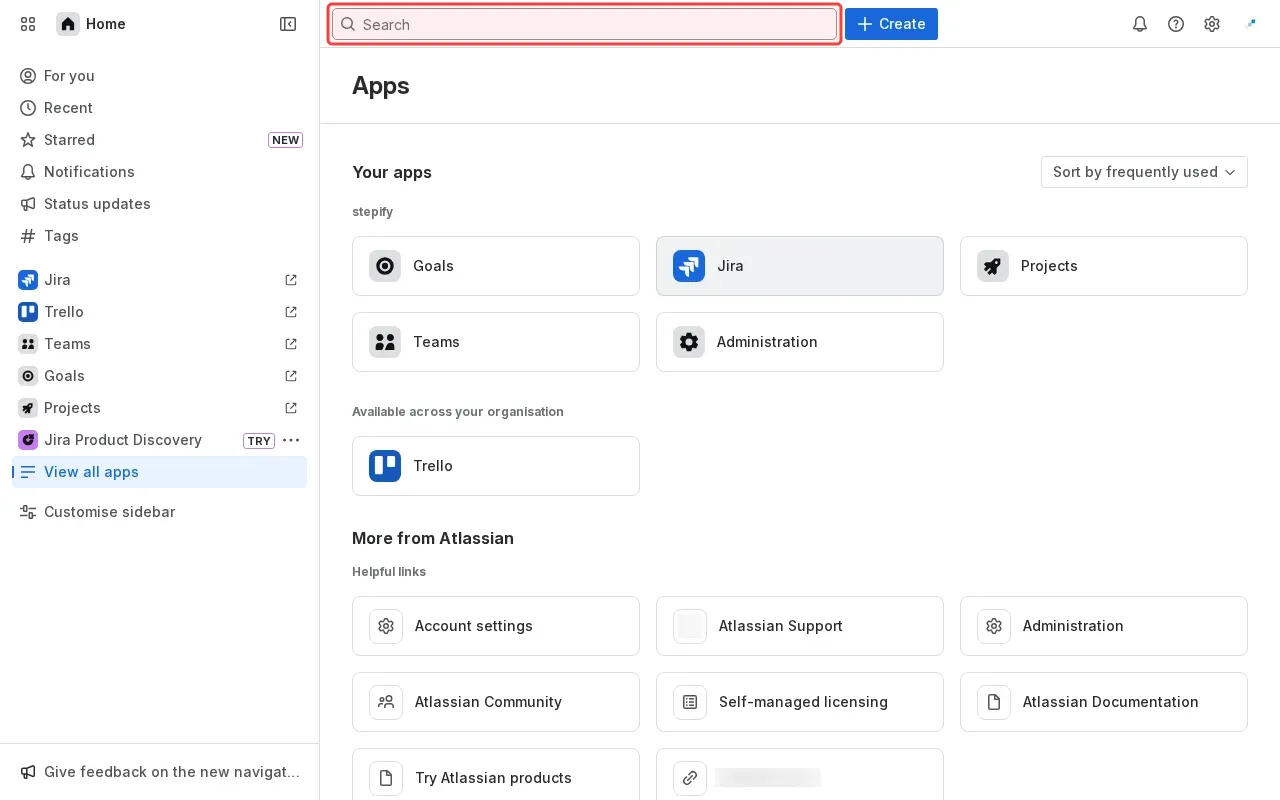
Step 5: Type 'Confluence' in the search box to find the app.

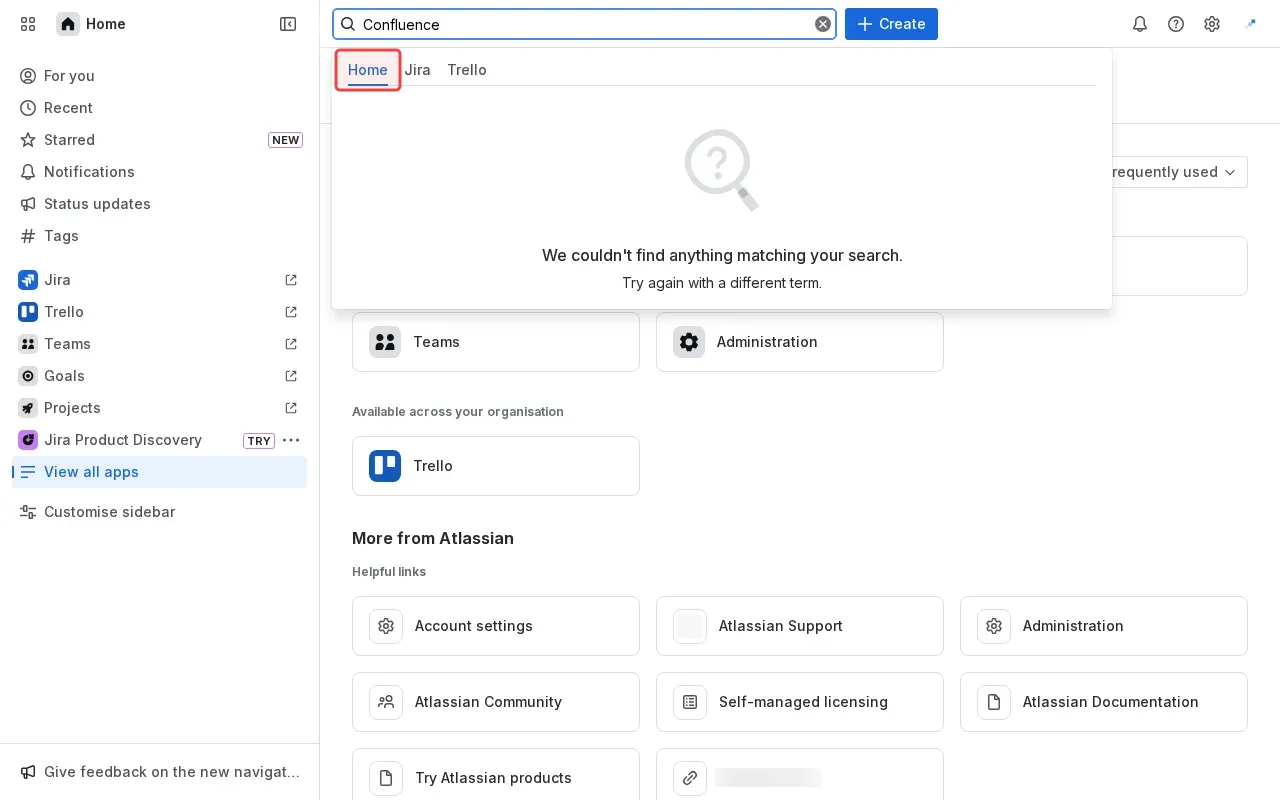
Step 6: Click 'Home' tab to find Confluence.

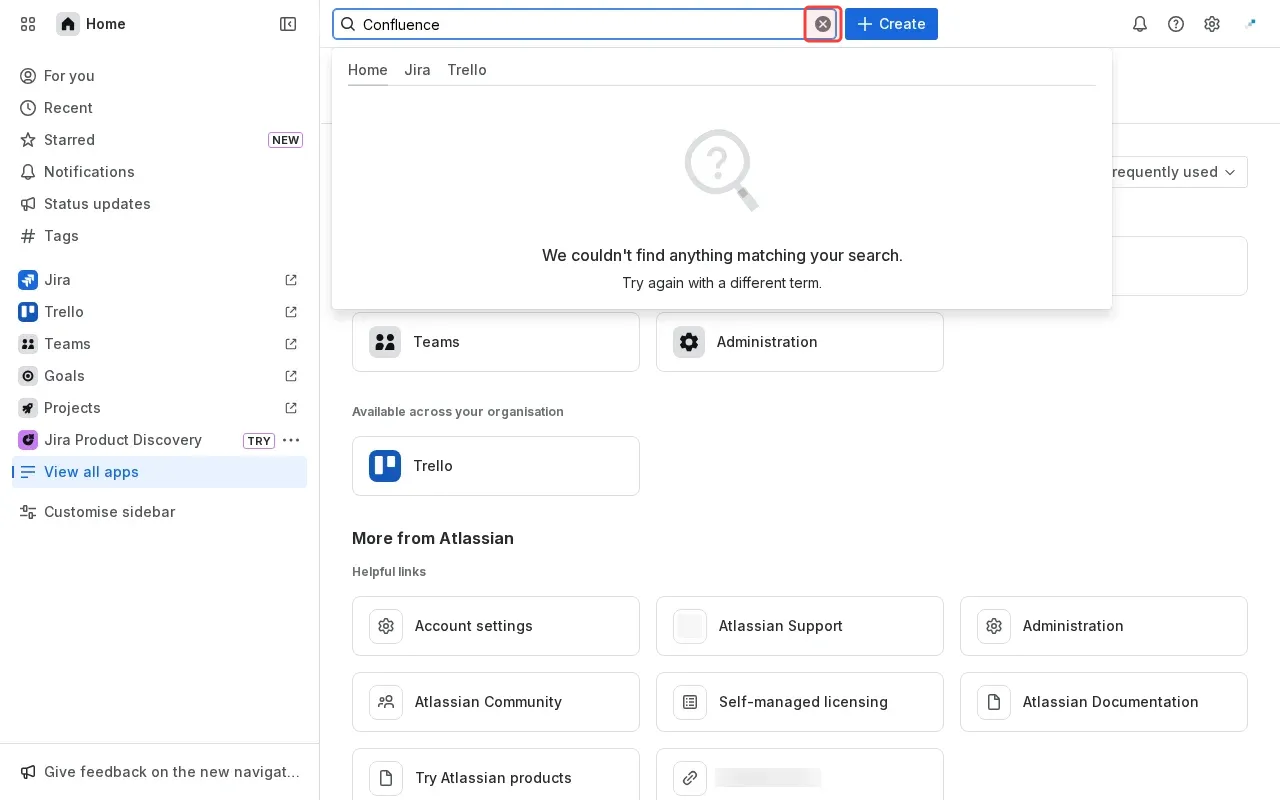
Step 7: Clear search box to view all apps.

Step-by-Step Guide

1

Click 'View all apps' to find Confluence.
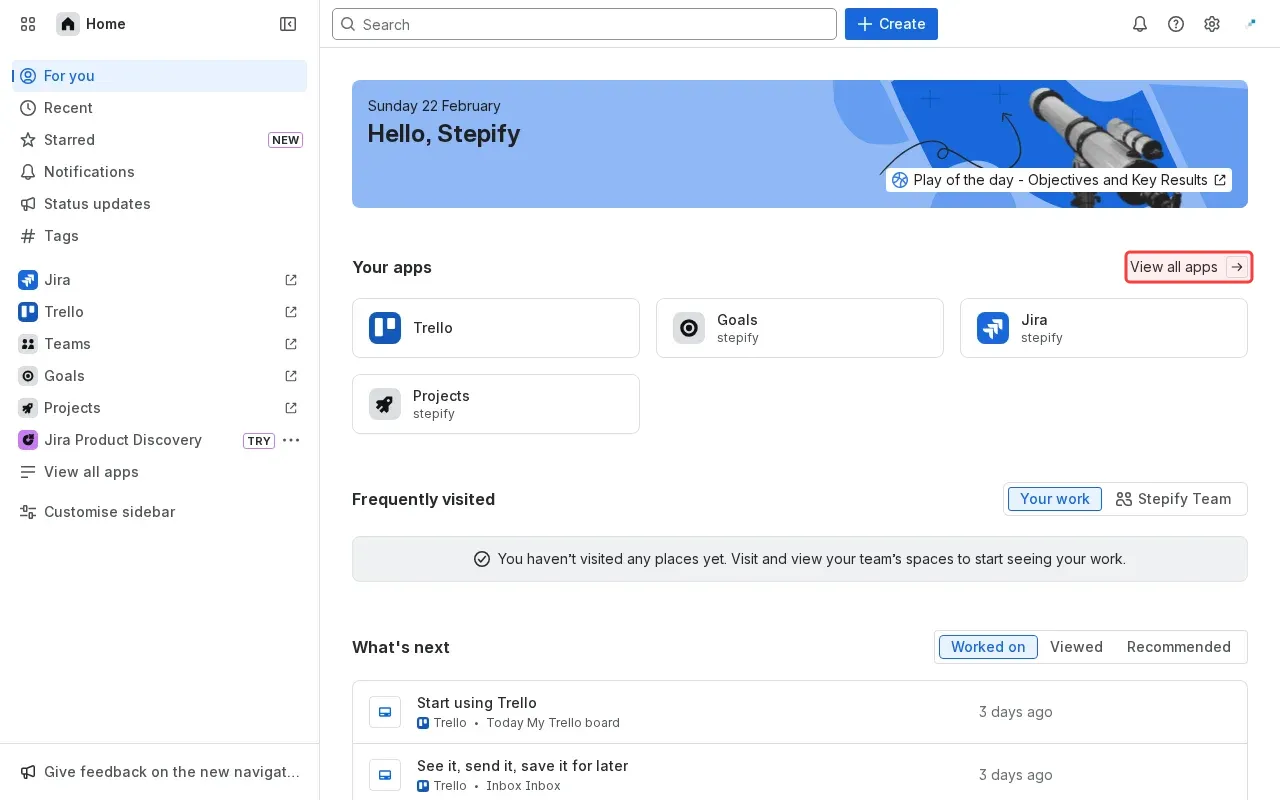
Screenshot showing clicking View all apps to find Confluence
2

Click 'Create' to explore creation options.

Screenshot showing clicking Create to explore creation options
3

Scroll down to find more available apps.

Screenshot showing scrolling down to find more available apps
4

Click 'Jira' to access Atlassian workspace.

Screenshot showing clicking Jira to access Atlassian workspace
5

Type 'Confluence' in the search box to find the app.

Screenshot showing typing Confluence in the search box to find the app
6

Click 'Home' to find Confluence.

Screenshot showing clicking Home to find Confluence
7

Clear search box to view all apps.
Screenshot showing clear search box to view all apps