uptimekuma

How to add a new HTTP monitor in Uptime Kuma

2 steps 6s 19/02/2026 17:52 2 views
0:00 / 0:00

Transcript

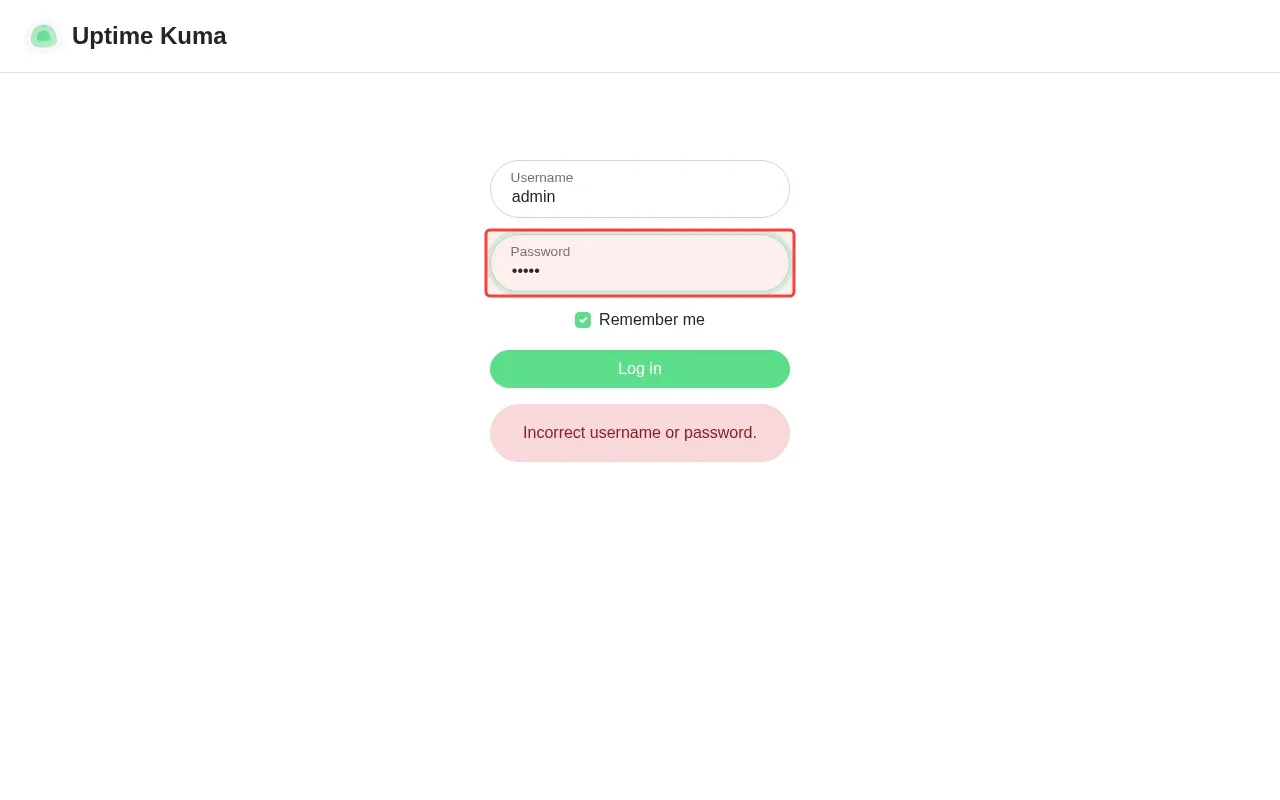
Step 1: Type 'password' in the password field to retry login.

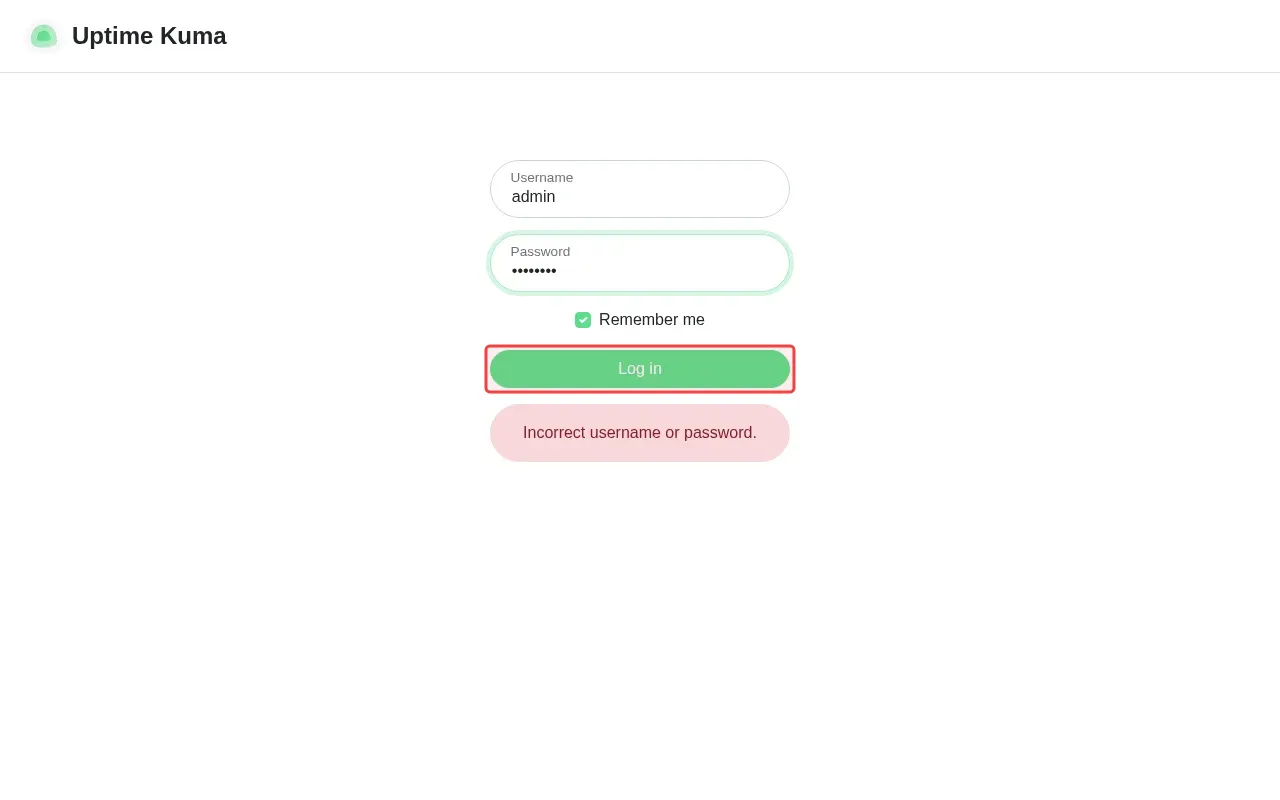
Step 2: Click 'Log in' button to authenticate with credentials.
Step-by-Step Guide

1

Type 'password' in the password field to retry login.

Screenshot showing typing password in the password field to retry login
2

Click 'Log in' to authenticate with credentials.

Screenshot showing clicking Log in to authenticate with credentials