trello

How to create a new board in Trello

4 steps 30s 19/02/2026 18:32
0:00 / 0:00

Transcript

Step 1: Click 'Log in' to access Trello account.

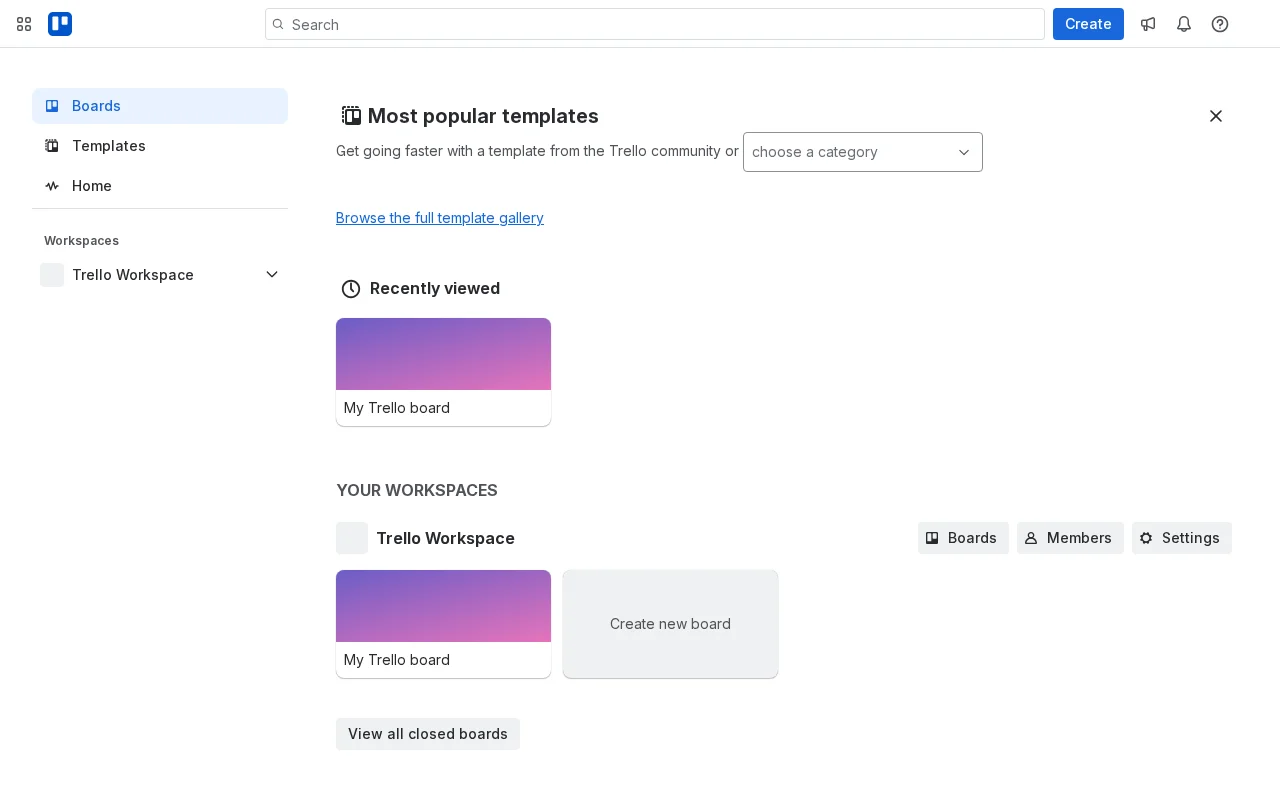
Step 2: Scroll to reveal login form elements.

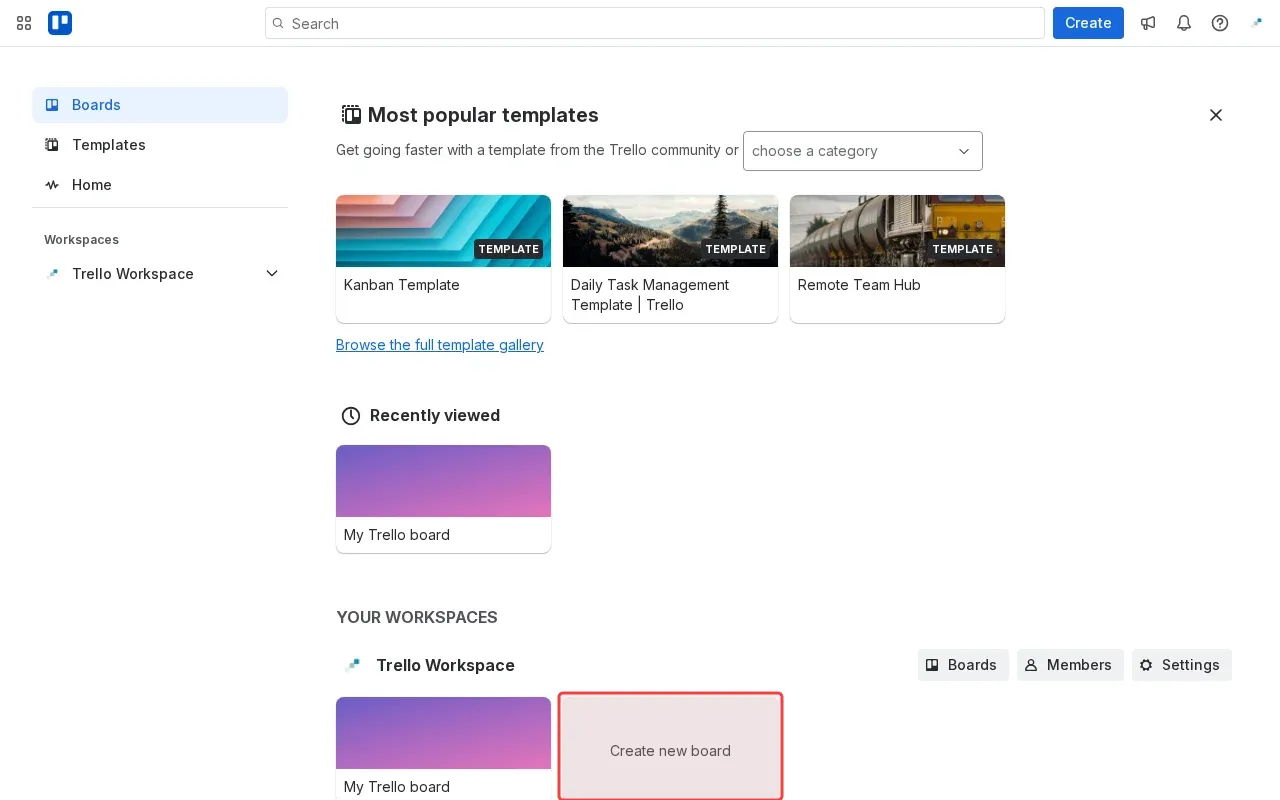
Step 3: Click 'Create new board' to start board creation.

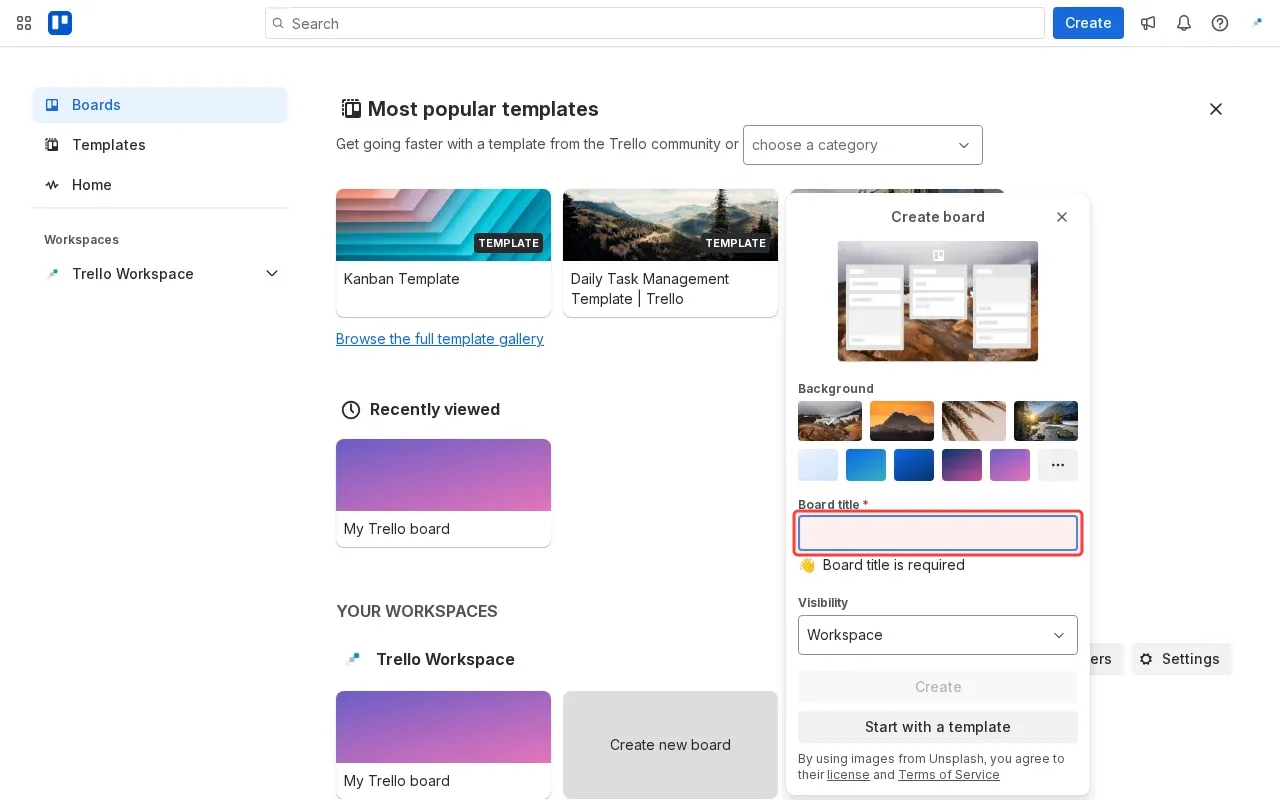
Step 4: Type board title in the required field.

Step-by-Step Guide

1

Click 'Log in' to access Trello account.
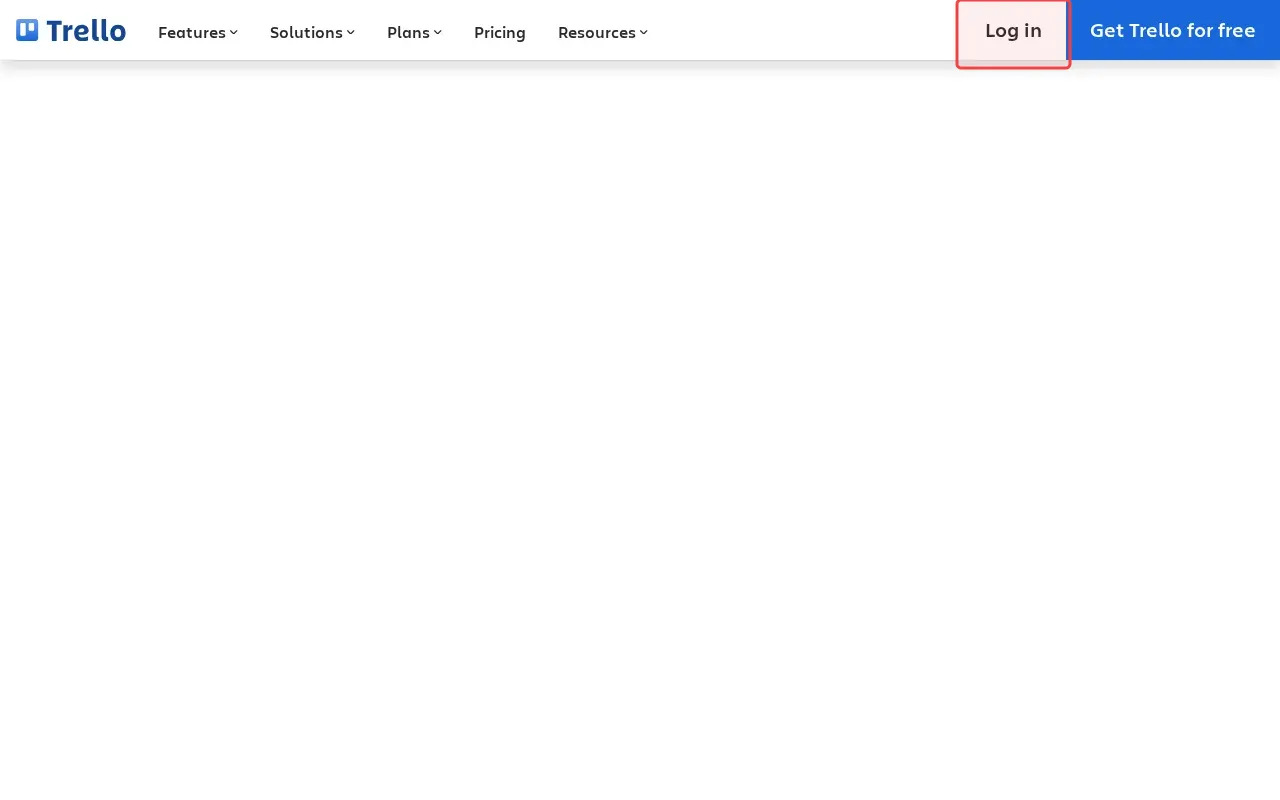
Screenshot showing clicking Log in to access Trello account
2

Scroll to reveal login form elements.

Screenshot showing scrolling to reveal login form elements
3

Click 'Create new board' to start board creation.

Screenshot showing clicking Create new board to start board creation
4

Type board title in the required field.
Screenshot showing typing board title in the required field